In Aimgod: Claude connector, live now
How to Manage Your Day Planner Through Claude: Add, Move and Check Off Tasks in 3 Sentences
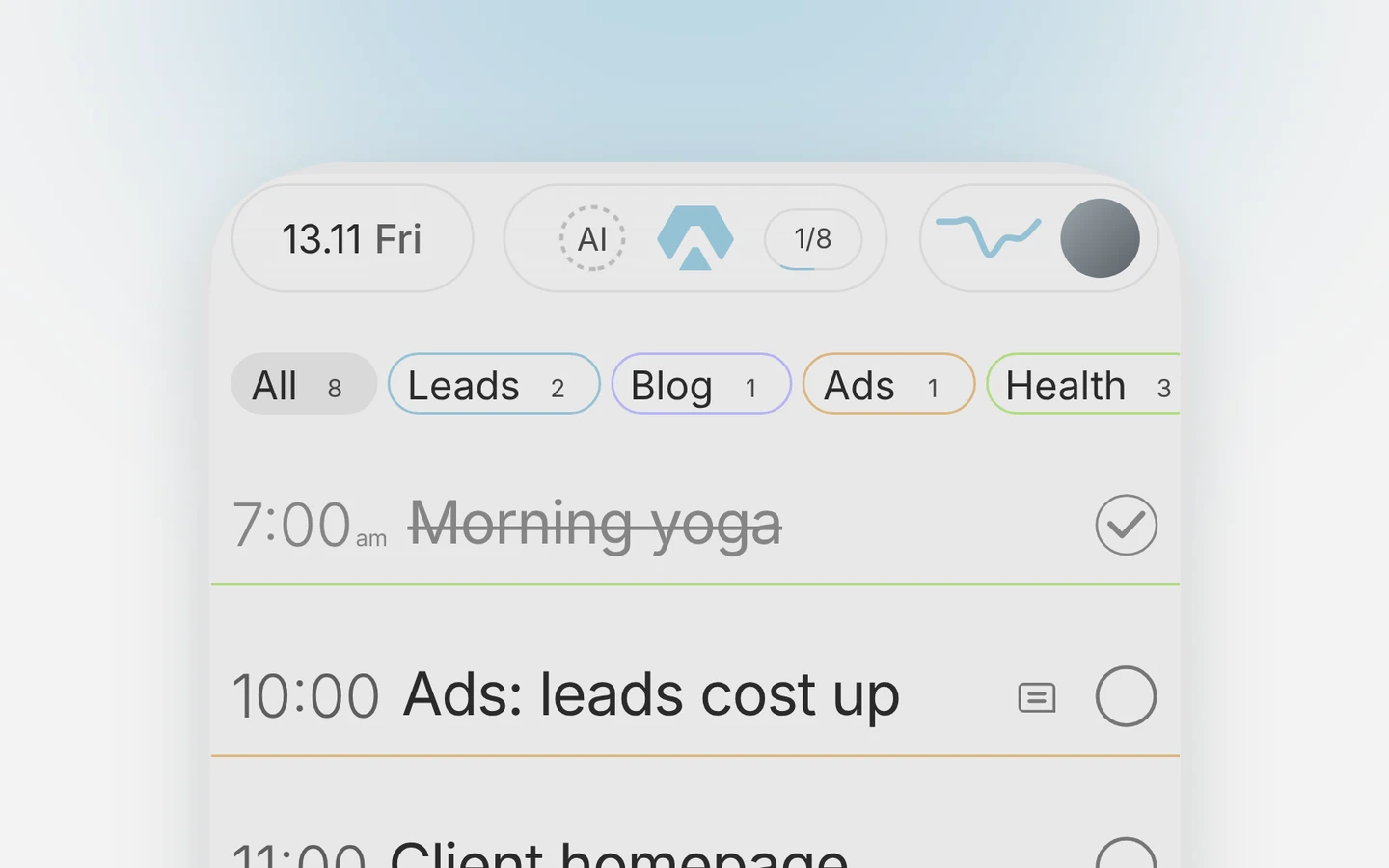
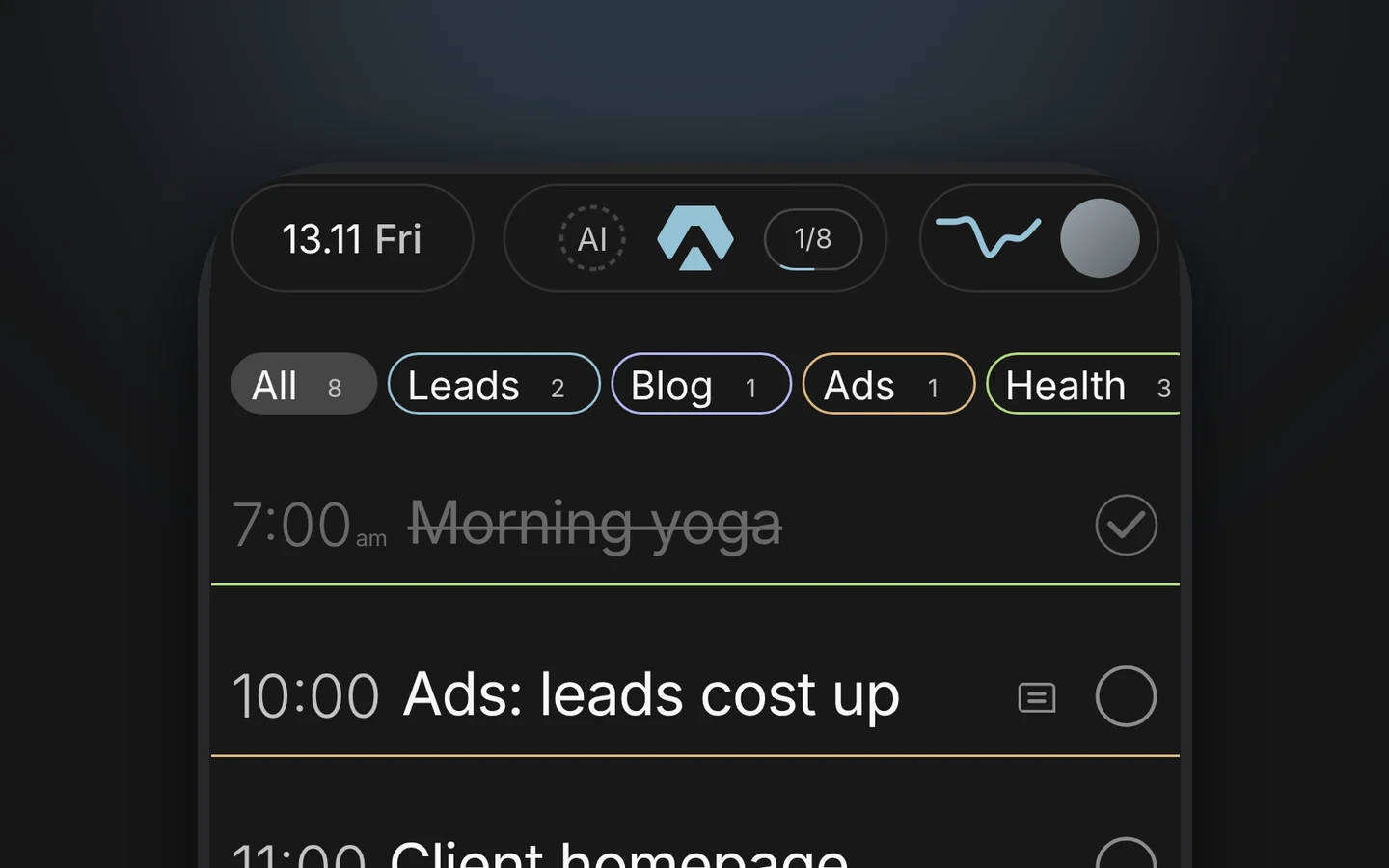
You say one sentence to Claude, Aimgod adds, moves or ticks the task, and your day looks like this:
 By Oleksandr Sendziuk · 6 min readFollow on LinkedIn ↗

A task comes to mind in the middle of something else. Call the bank. You could open the planner, find tomorrow, type it, set the time. Usually you don't, and it's gone by lunch.
To manage tasks with Claude, you connect Aimgod once and then just talk. One sentence adds a task, one moves it, one ticks it off. The day in the block above is the result of three such sentences.
The Claude connector is a link between Claude and your Aimgod planner: Claude reads your day and changes it when you ask, and the change shows up in Aimgod at once.
About half
of U.S. adults now use AI chatbots, in a survey of 5,119 people in February 2026
Key takeaways
- 011 minute to connect, once, from the Claude directory.
- 02Every Claude plan works, the free one too.
- 033 verbs cover most days: add, move, check off.
- 04Say "Aimgod" in the sentence, so Claude knows where the task goes.
- 05Several changes at once: Claude shows you the list first and asks.
1. Connect Aimgod to Claude once
- 01Open Aimgod in the Claude directory and press Connect.
- 02Sign in to Aimgod if asked. A free account is enough.
- 03Tap Allow on the Aimgod screen.
That's it. It works in Claude on the web, on the desktop and on the phone. The full setup, the list of what Claude can do and the privacy part are on the Aimgod for Claude page.
One thing people expect and don't get: after connecting, Claude doesn't write first. It waits. You start the conversation, and from then on Aimgod is one of the things Claude can use.
Action should be taken before a thing has made its appearance; order should be secured before disorder has begun.
Get the free 2027 Planning Kit
9 printable pages: your year on one page, 3 goals with a plan for the obstacle, a 90 day map, the weekly review, a daily page and a 67 day habit tracker. Plus one calm letter a week.
We only use your email to send the letter. Privacy
2. Add a task in one sentence
Add to Aimgod: call the bank at 10 tomorrow
Added "Call the bank" to tomorrow at 10:00.
A sentence can carry more than a title. The day, the time, the sphere, a star, a note, a reminder before the time, a repeat. Leave out the day and the task lands today. Leave out the time and it joins the untimed list under the timed ones.
Give most tasks a time. In one real Aimgod account, three of four tasks have one, and a task with a time gets done 69% of the time, one without a time 48% (August to October 2026). So when you tell Claude about a task, say when. More on that in how to plan your day.
3. Move a task, or the whole day's leftovers
Move what I didn't finish today in Aimgod to tomorrow
Three one-off tasks are still open today:
- Reply to Maya
- Renew the domain
- Portfolio case study
Move all three to tomorrow? Your habits stay where they are.
Yes
Done. All three are on tomorrow.
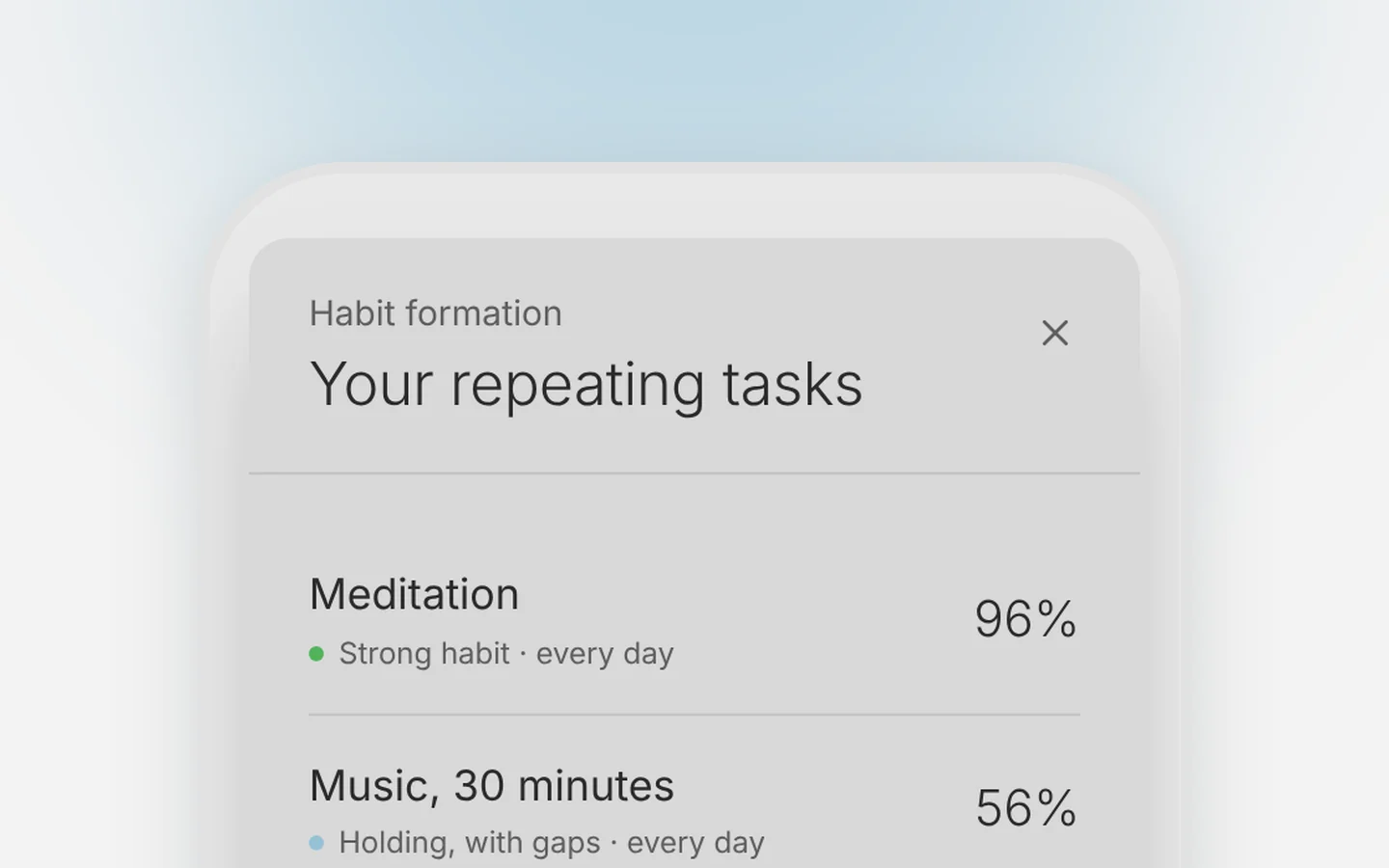
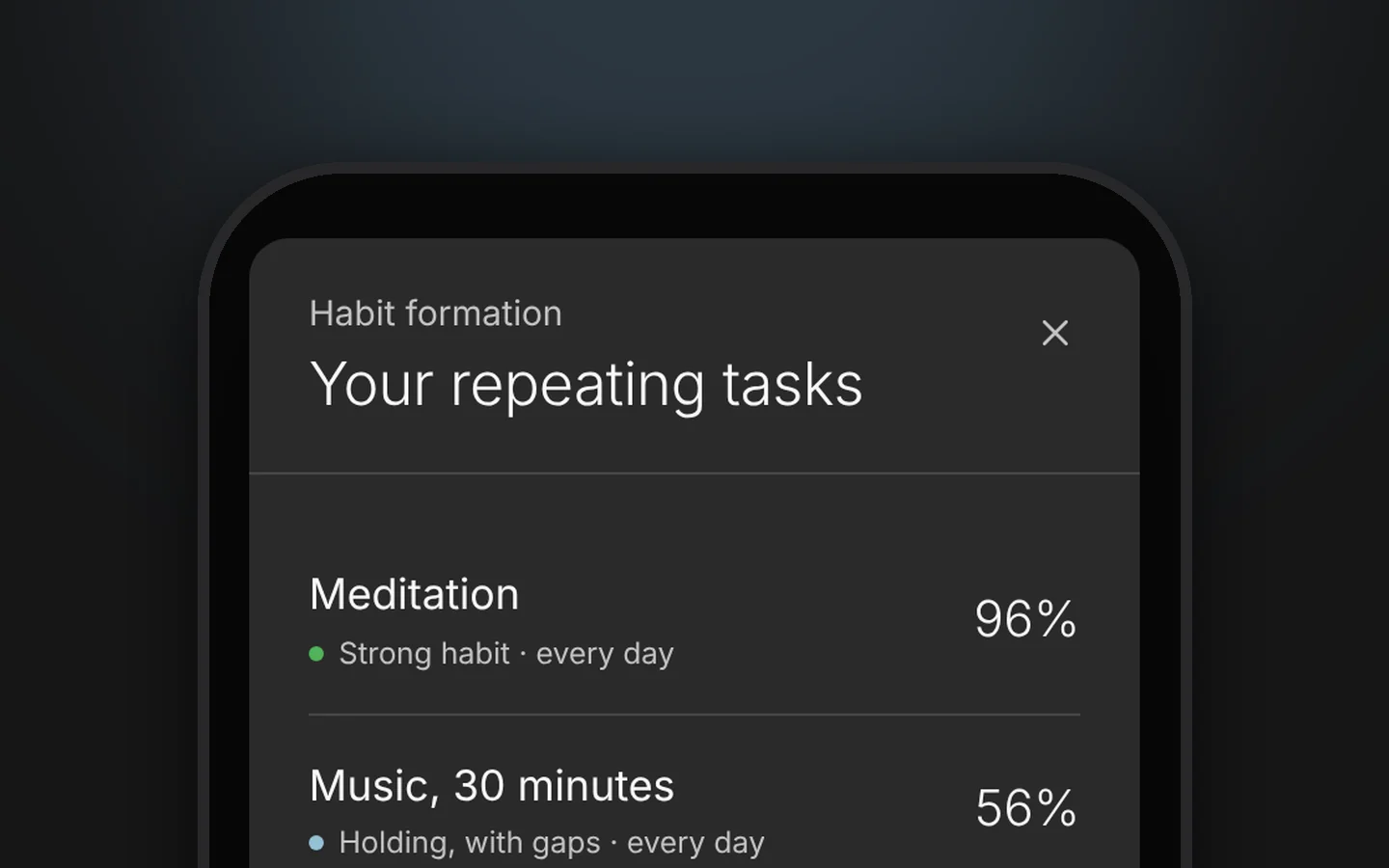
That is the easy way to handle unfinished tasks: ask the AI to move them to other days. Repeating tasks stay where they are. A daily habit already has its own tomorrow, so Claude leaves it and says so.
One rule worth keeping. A task moved four times in a month gets deleted, or handed to someone else. It just hangs under your feet. The same account says it in a colder way: a task that moved to another day gets done 39% of the time, one that never moved 65%. Moving is cheap now. That's exactly why it's worth watching. If moving has turned into a habit, a fresh start helps more than one more move.
4. Check off tasks and their steps
In Aimgod, mark the logo review done and add three steps to the landing page: headline, pricing block, contact form
Done. The logo review is ticked, and the landing page has three steps now.
Steps are subtasks, a small checklist under one task. You can tick them by chat too: "Tick the headline on the landing page in Aimgod." Rename works the same way: "Rename the call in Aimgod to Call the bank about the card."
Let all your things have their places; let each part of your business have its time.
5. What to say to Claude
Plain words work. Good sentences to start with:
| You want to | Say to Claude |
|---|---|
| Add a task | "Add to Aimgod: call the bank at 10 tomorrow" |
| Add with a reminder | "Add to Aimgod: dentist on Thursday at 15:00, remind me an hour before" |
| Move one task | "Move the invoices to Friday morning in Aimgod" |
| Move the leftovers | "Move what I didn't finish today in Aimgod to tomorrow" |
| Check off | "Mark the logo review done in Aimgod" |
| Break a task into steps | "Add three steps to the landing page in Aimgod: …" |
| Star the main one | "Star the landing page in Aimgod" |
| See the day | "What's on my Aimgod today?" |
| Delete | "Delete the dentist task in Aimgod" |
6. Mistakes that cost a minute
| Mistake | What happens | Do this instead |
|---|---|---|
| No "Aimgod" in the sentence | Claude may just answer in the chat | Name Aimgod: "Add to Aimgod: …" |
| Ten things in one message, no days | Everything lands today | Say the day, or let Claude ask |
| "Move everything" and expecting the habits to move | Habits stay | That's on purpose: a habit keeps its own days |
| Waiting for Claude to start | Nothing happens | You write first, every time |
| Asking to clean up the day | Claude asks before it deletes | Name the task you want gone |
Claude deletes a task only when you clearly ask. When you change several things in one message, it shows the list and waits for your yes. Nothing moves behind your back.
Accordingly on every occasion a man should ask himself, Is this one of the unnecessary things?
7. Where you see the result
The same day, at once, on the web at app.aimgod.com and in the iPhone app. More about the app in Aimgod for iPhone. Claude is for when your hands are busy or your head is full. The planner is for looking at the day. I use both, and the day is the same in both.
Once the daily moves are by chat, the next step is the whole morning: plan your day with Claude in 2 minutes.
FAQ
How do I manage tasks with Claude?
Connect Aimgod once from the Claude directory, then write or say what you want in plain words and name Aimgod: "Add to Aimgod: call the bank at 10 tomorrow." Claude adds, moves, ticks and renames tasks, and the change appears in Aimgod at once.
Is the Aimgod connector for Claude free?
Yes. It works on every Claude plan, the free one too, and Aimgod has a free plan.
Can Claude delete or change my tasks without asking?
Claude deletes a task only when you clearly ask. Before adding, moving or deleting several items at once, it shows you the list and asks first.
What does Claude see in Aimgod?
Only your Aimgod tasks, spheres, goals and focus points, and only after you allow it. You can disconnect any time in Aimgod: avatar menu, Connect to Claude, Disconnect.
Terms used in this guide: Daily planning, Star, Subtask, Fresh start, Habit, Goal, Carry over, Focus point, Sphere, Claude connector
The planner behind this post
- 1 account
- one day on the web, in the phone browser and in the iPhone app
- Claude
- a free connector: plan and review your day by voice
- 3 spheres
- on the free plan, each with its own colour