In Aimgod: Claude connector, live now
How to Organize the Work Claude Does for You: 3 Ready Texts, One Day
Claude makes it. Aimgod holds it at the hour you will look at it.
 By Oleksandr Sendziuk · 7 min readFollow on LinkedIn ↗
Monday, 9:20. Claude wrote five articles for me in twenty minutes. By Wednesday I need the third one. It is in a chat. Which chat? The project has a long list of them, and strategy talks, one time tasks and regular work all lie in one pile.
After this post you will know how to organize Claude work so every result waits for you in your day, at the hour you chose, in the right sphere. One connector, three texts you can say as they are.
Claude is the instrument. Aimgod is the organizer: the place where you see what the instrument made, sorted by time and by sphere.
Key takeaways
- 01The work stays in Claude. You give it by voice, on a schedule or once.
- 02The result goes into your day. A task at the hour you will look at it, with the link inside.
- 03One connector. Aimgod in Claude. Nothing to set up inside Aimgod.
- 04A sphere per kind of work. Blog, Leads, Ads. Each has its colour.
- 05You tick it. The tick means you looked.
1. Why a chat list is not a plan
A chat is good for the work itself. Long session, your files, your connectors. I do most of my work there.
A list of chats is a bad place to find the work later. It has no hours. It has no ticks. It does not know that the ad report matters today and the article can wait till five. To see what is ready, you open the project, guess the chat, scroll up.
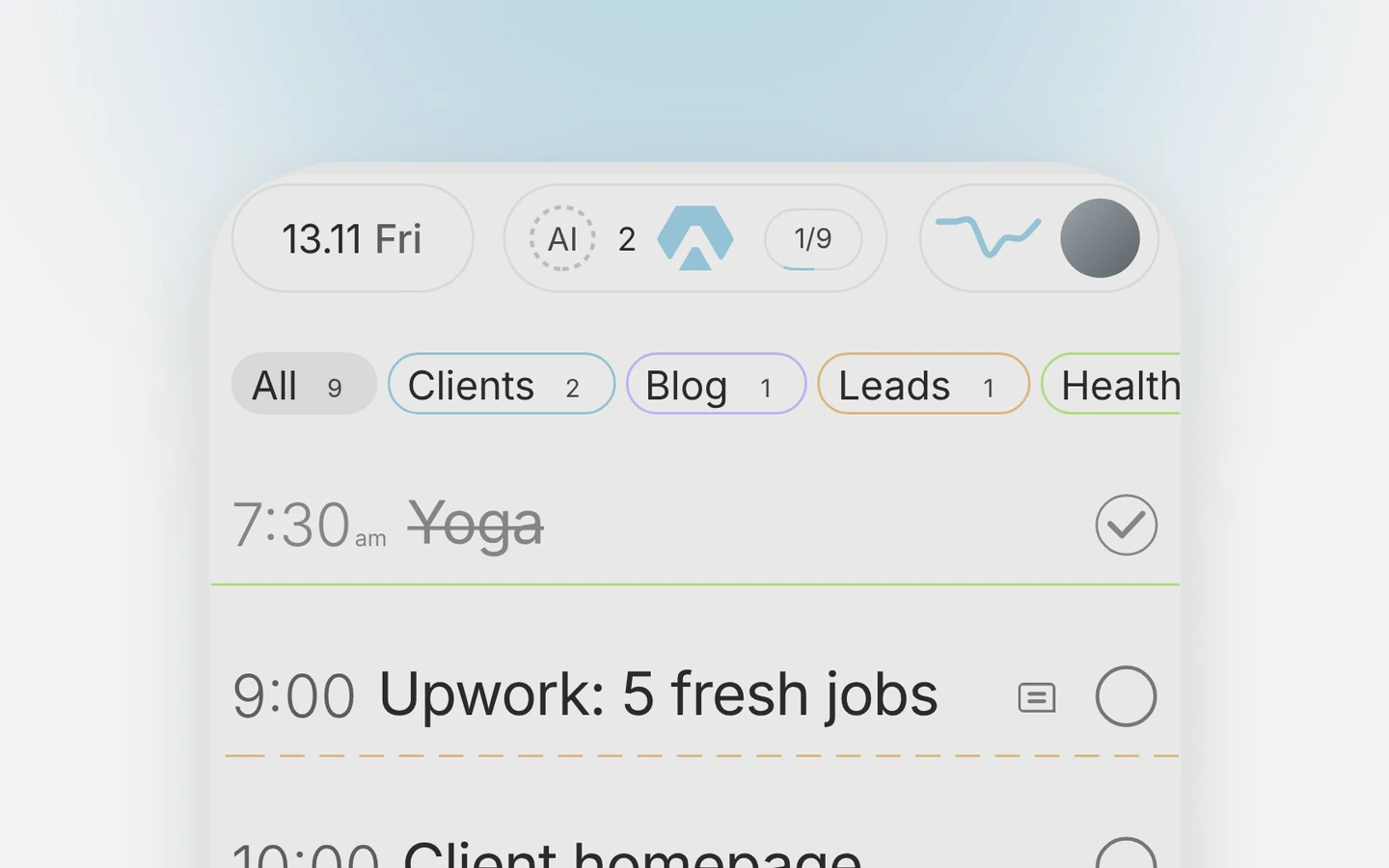
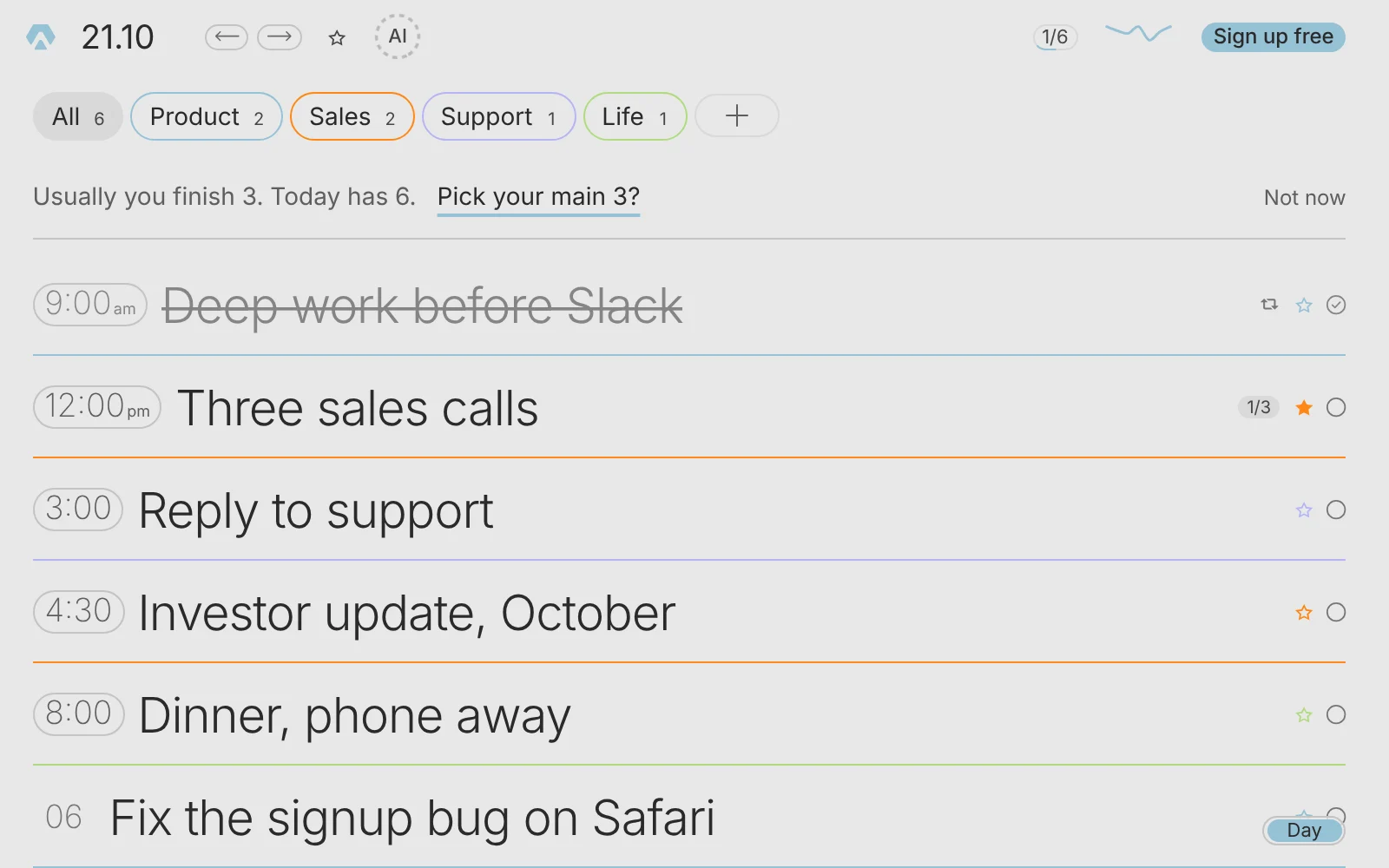
A day in Aimgod answers a different question: what is waiting for me, and when. Seven to ten lines. Some are mine: the gym, a call, lunch. Some are results from Claude. How I build that list is in how to plan your day. I go down the list and decide what to pick up next. Some things I do myself. For others I follow the link, land in Claude and continue there.
I wrote about the general idea in how to manage AI agents from one daily list. This post is the practical part: what to say to Claude so the results arrive by themselves.
Get the free 2027 Planning Kit
9 printable pages: your year on one page, 3 goals with a plan for the obstacle, a 90 day map, the weekly review, a daily page and a 67 day habit tracker. Plus one calm letter a week.
We only use your email to send the letter. Privacy
2. Connect it once
- 01Open Aimgod in the Claude directory and press Connect. The steps are on the Claude page.
- 02Create the spheres for the work Claude does for you. Three is enough to start, and three are free.
- 03If the work happens in another service (mail, an ad account, documents), connect that service in Claude too.
That is all. You switch nothing on in Aimgod. On the Aimgod side this is free. Regular runs on a schedule are Claude's own feature and need a paid Claude plan. One time work by voice needs nothing more.
3. Three ready texts to say
Say them in the Claude app by voice, or type them. Change the work, the hours and the sphere names. Every text names Aimgod, so Claude picks the right tool.
Blog: one article a day at 17:00
Say Claude writes five articles on Monday morning. Reading five in a row is a bad idea. One a day is fine.
Write the five articles from this week's plan. When they are ready, add five tasks to my Aimgod, sphere Blog, one a day from today, each at 17:00. Title: "Read: " plus the article's title, short enough for one line on the phone. Put the link to the draft in the description. Don't publish anything.
Done. Five tasks in Blog, Monday to Friday at 17:00, each with its link.
Now the article stands in today's list with 17:00 on it. The other four stand on their own days. At five I open the task, tap the link, read, tick it. Then I tell Claude to publish. I didn't have to remember it. It was in my schedule.
Leads: one task per lead
Every weekday at 9:00 go through the new leads and prepare a reply to each. For each lead add a task to my Aimgod, sphere Leads, today, no time. Title: the person's name and what they want. In the description: two lines on who it is, what I should prepare, and the link to the draft reply. Don't send anything.
Scheduled. Every weekday at 9:00, one task per lead in Leads.
I open the sphere and see lead after lead: who, what is mine to do, where the draft is. A lead I answered gets a tick. A lead I want to think about moves to tomorrow.
Ads: one line with the verdict
Every Monday and Thursday at 8:00 check the ad account. Add one task to my Aimgod, sphere Ads, at 10:00. Title: "Ads: " plus the main change in two or three words. In the description: what changed since the last check, what needs my decision, and the link to the full report.
Scheduled. Monday and Thursday, one task in Ads at 10:00.
One line, twice a week. If the title says nothing changed, I tick it without opening.
4. Your day after you organize Claude work
| Without the organizer | With it |
|---|---|
| Results sit in chats, by project | Results stand in the day, by hour |
| You remember to check | The task reminds you |
| No sign of what you already looked at | A tick on everything you checked |
| Regular work, one time work and talks in one pile | A sphere and a colour per kind of work |
The list of what waits for your check (the backlog) is always in one place. You pick from it when it suits you.
If you want numbers later, Productivity insights shows done against planned for every sphere. It is free too. I look at them in the weekly review.
5. Write the task so the result is usable
The same rule works in both directions. A task named "Upwork" with nothing inside gets questions back, from a colleague and from Claude alike. A result named "Report" with nothing inside gets the same from you.
| Title | Description | |
|---|---|---|
| Weak | Report | (empty) |
| Good | Ads: leads cost up | What changed, what needs your decision, the link to the full report |
Three things I ask Claude to put into every task: what it is in the title, what I have to do with it, and the link. The title stays short, so the phone shows it whole. The details go into the description. A description holds about two thousand characters. A long text goes by link, the task carries the summary.
6. Where the organizer ends
- It is not the place for the work. Corrections, long talks, five minutes of feedback by voice: that is Claude. The task holds the link that takes you there.
- Claude doesn't tick for you. The task stays open until you looked.
- The AI inside Aimgod is a different thing. It adds and moves tasks when you ask. It doesn't go into your mail or your documents. Your own Claude does, with your memory and your connectors.
There is a second flow, the other way round: you write the task in Aimgod, turn Claude on in it, and Claude starts by itself. That one is in the DJ deck post.
Tonight: take one thing Claude already does for you every week. Say the first text with your own work in it. Tomorrow open the sphere.
FAQ
How do I organize Claude work without checking chats?
Ask Claude to put every result into your Aimgod as a task: a title that says what it is, the hour you will look at it, the sphere, and the link in the description. Then you check the day.
Do I need to turn anything on in Aimgod?
No. Connect Aimgod in Claude once. Claude adds the tasks through the connector.
Is it free?
On the Aimgod side, yes, with up to three spheres. Scheduled runs are a feature of Claude's paid plans. One time work by voice works on any Claude plan.
Does Claude mark the tasks as done?
No. A tick means you checked the result. Claude only adds the task and the link.
Terms used in this guide: Daily planning, Five minute rule, Weekly review, Sphere, Claude connector
See it for yourself
- Web + iPhone
- the same day on both, changes land in seconds
- Shared spheres
- free for everyone while they are in early access
- 3 spheres
- on the free plan, each with its own colour