In Aimgod: Focus, live now
How to Remember What You Read: Keep a Book's Best Lines with Claude and Aimgod Focus
How to remember what you read: tell Claude each line that hits you, keep it in Aimgod Focus, one sphere per book, and play the lines full screen. Easy setup.
 By Oleksandr Sendziuk, founder of Aimgod · · 6 min readFollow on LinkedIn ↗
You finish a good book. A month later you remember the cover, the feeling, maybe one idea. The lines you underlined are still there, on page 143, on a shelf. This post is how to remember what you read with a setup that takes a few minutes: one Focus sphere per book, Claude to catch the lines while you read, and Aimgod to play them back full screen.
Key takeaways
- 1 sphere in Focus per book, named after the book.
- 1 sentence to Claude when a line hits you: "Add this to my Aimgod Focus, in 7 Habits."
- 0 typing in the app while you read. Claude writes the point for you.
- Your own words, a sentence or less. A note, not a quote.
- Full screen on the web or on the iPhone, one line at a time.
Why the best lines get lost
The line was strong when you read it. Then you closed the book. The line stayed inside, between pages you will not open again.
A pencil helps you notice. It doesn't help you come back. And if you want to remember books you read, coming back is the whole job.
How I read: underline, then reread the lines
I underline a lot, often several lines on a page. I almost never reread a whole book. I reread the underlined lines, and a whole book takes about ten minutes that way. More on that habit in the power of one thought.
The weak spot is obvious. The lines only come back when the book is in my hands. So the idea was simple: get the lines out of the book while I'm still reading, into the place I already open every day.
How to remember what you read: one Focus sphere per book
Focus is the part of Aimgod for the few thoughts you keep in front of you. Short points, grouped by spheres, played full screen. It's free.
A sphere can be anything. Health, a client, a value. Or a book. You start a book, you make a sphere with its name. Every line that hits you becomes a point in it. By the last page the book has its own list of best ideas, in your words.
You don't open the app to type them. You tell Claude.
Set it up once: 5 steps
- 01Connect Claude. Open Aimgod in the Claude directory, press Connect, sign in to Aimgod and tap Allow. It is one minute, and after that it works in Claude on the web, on the desktop and on your phone.
- 02Make the sphere. When you start the book, tell Claude: "Create a Focus sphere in Aimgod called 7 Habits." A short name reads better on the screen.
- 03Read with your phone near. A line hits you, you say it or type it: "Add this to my Aimgod Focus, in 7 Habits: important before urgent, every morning."
- 04Open Focus. In Aimgod, on the web or on the iPhone, pick the book's sphere.
- 05Press Full screen. That's it.
Connectors from the Claude directory work on every Claude plan, the free one too. Aimgod's Focus is free as well.
What to say to Claude
Plain words work. These are the phrases I'd start with:
| You want to | Say |
|---|---|
| Start a new book | "Create a Focus sphere in Aimgod called 7 Habits." |
| Keep a line | "Add this to my Aimgod Focus, in 7 Habits: …" |
| Mark the one that matters most | "Add it to 7 Habits and star it." |
| Shorten a long thought | "Make this one line in my own words, then add it to 7 Habits." |
| See what you have | "Show my 7 Habits points." |
The last one is good at the end of a chapter. You see the list grow, and you notice when two notes say the same thing.
How to take notes on books you will actually reread
The rules for good book notes are the same as for any focus point. Short. Yours. One idea.
| Weak | Better |
|---|---|
| A whole paragraph copied | One sentence in your words |
| "Interesting about time" | "Important before urgent. Every morning." |
| Ten notes per chapter | The one or two that changed something |
| The author's wording | What you will do with it |
Writing it in your own words is most of how to take notes on books. You remember what you said, not what you copied. And a line you can read in a second works on a full screen.
An example: one book, seven notes
Here's what a finished sphere can look like. The book is only an example: a well known one about seven habits. The habit names are the book's. The notes are a reader's own words, the kind you'd write after a chapter, not quotes.
| Habit | The reader's note |
|---|---|
| Be proactive | I choose my answer. Nobody does it for me. |
| Begin with the end in mind | See the last day of a project before the first one. |
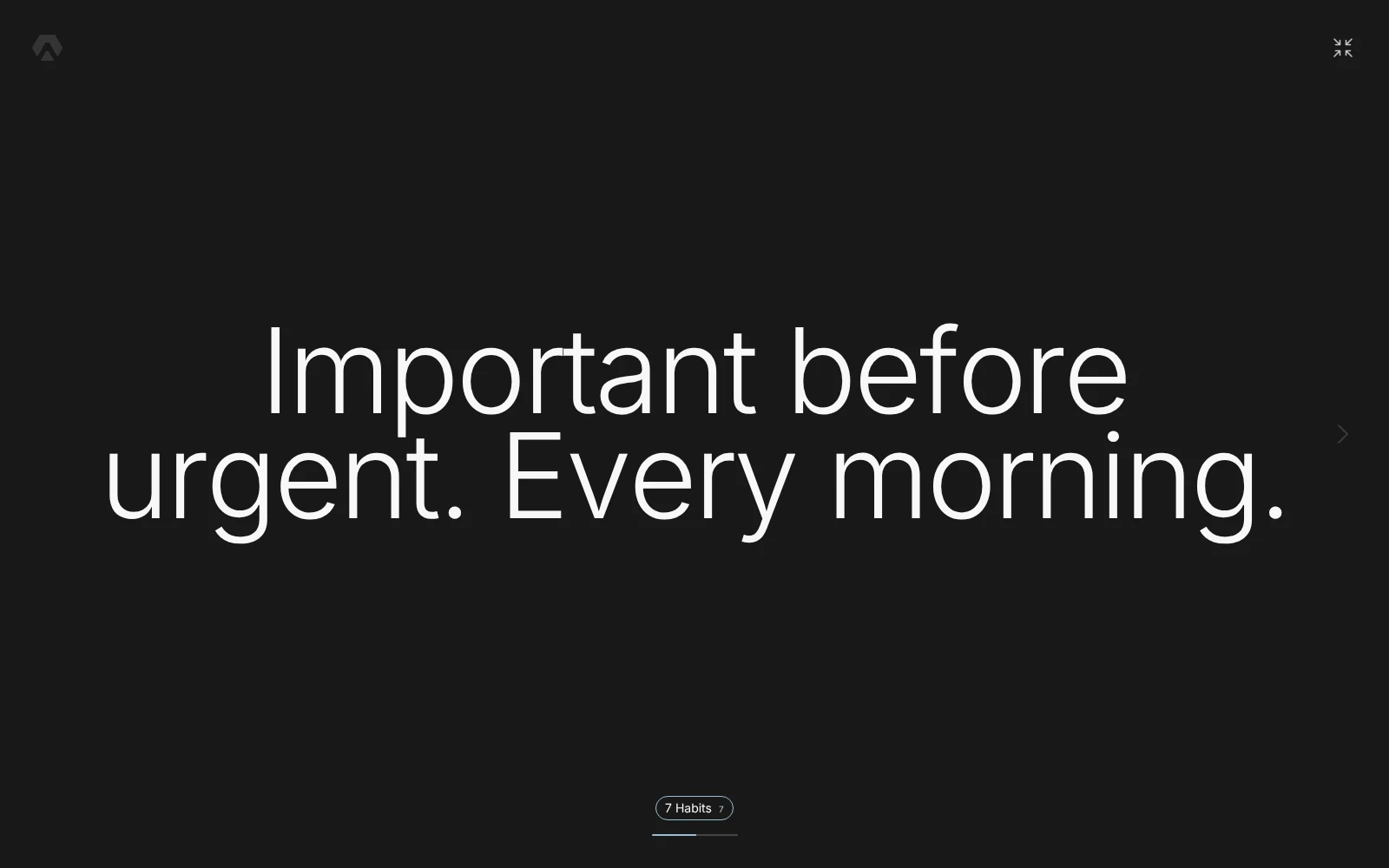
| Put first things first | Important before urgent. Every morning. |
| Think win win | A deal where only I win is a bad deal. |
| Seek first to understand | Understand first. My point can wait a minute. |
| Synergize | Two different views make a third, better one. |
| Sharpen the saw | An hour for body and head is not lost time. |
The same sphere, live. Swipe through it, or open it full screen:
Play them full screen
This is the point of the whole setup. One line, very large, on the whole screen. Nothing else around it. The next line comes when you swipe or press the arrow.
On a laptop it's a calm minute before work. On the iPhone it's the minute in a queue that would have gone to the feed. The Aimgod iPhone app has the same Focus and the same full screen. More about the app in Aimgod for iPhone.
A habit I'm bringing back: open Focus twice a day, morning and evening, and read what matters. One pass takes about two minutes. A finished book can join that pass for a week, then step back. It's also how to remember books you read a year ago: their sphere is one tap away. It's still there when you want it again.
If you already keep a private list of what you want in life, a book sphere sits next to it. More on that list in the vision board alternative.
Common mistakes
| Mistake | What to do instead |
|---|---|
| Keeping every underlined line | Keep the ones you'd say to a friend |
| One big sphere called "Books" | One sphere per book, so each plays on its own |
| Copying the author's sentence | One line in your words |
| Collecting and never playing | Full screen, two minutes, morning or evening |
FAQ
How to remember what you read without rereading the book?
Get the best lines out of the book while you read, in your own words, into a place you open every day. Then come back to them often, for a minute or two. Reading them again is what keeps the book with you.
Does Aimgod show up in Claude's menu?
Aimgod is in the Claude directory: open claude.ai/directory/aimgod and press Connect, once. There are no buttons for it in the chat. You just ask in plain words, and Claude uses Aimgod when the request is about your plan or your Focus.
Is Focus free?
Yes. Focus and its full screen are free in Aimgod, on the web and on the iPhone. The Aimgod connector works on every Claude plan, the free one too.
Can I write book notes without Claude?
Yes. Open Focus, pick the book's sphere and type the line. Claude only saves you from opening the app in the middle of a chapter.
One calm letter a week
A short read on planning, habits and focus, from the founder of Aimgod. No spam, unsubscribe anytime.
We only use your email to send the letter. Privacy
Oleksandr Sendziuk reads with a pencil, rereads only the underlined lines, and keeps the best ones of every book in Focus.
Follow the build on LinkedIn ↗