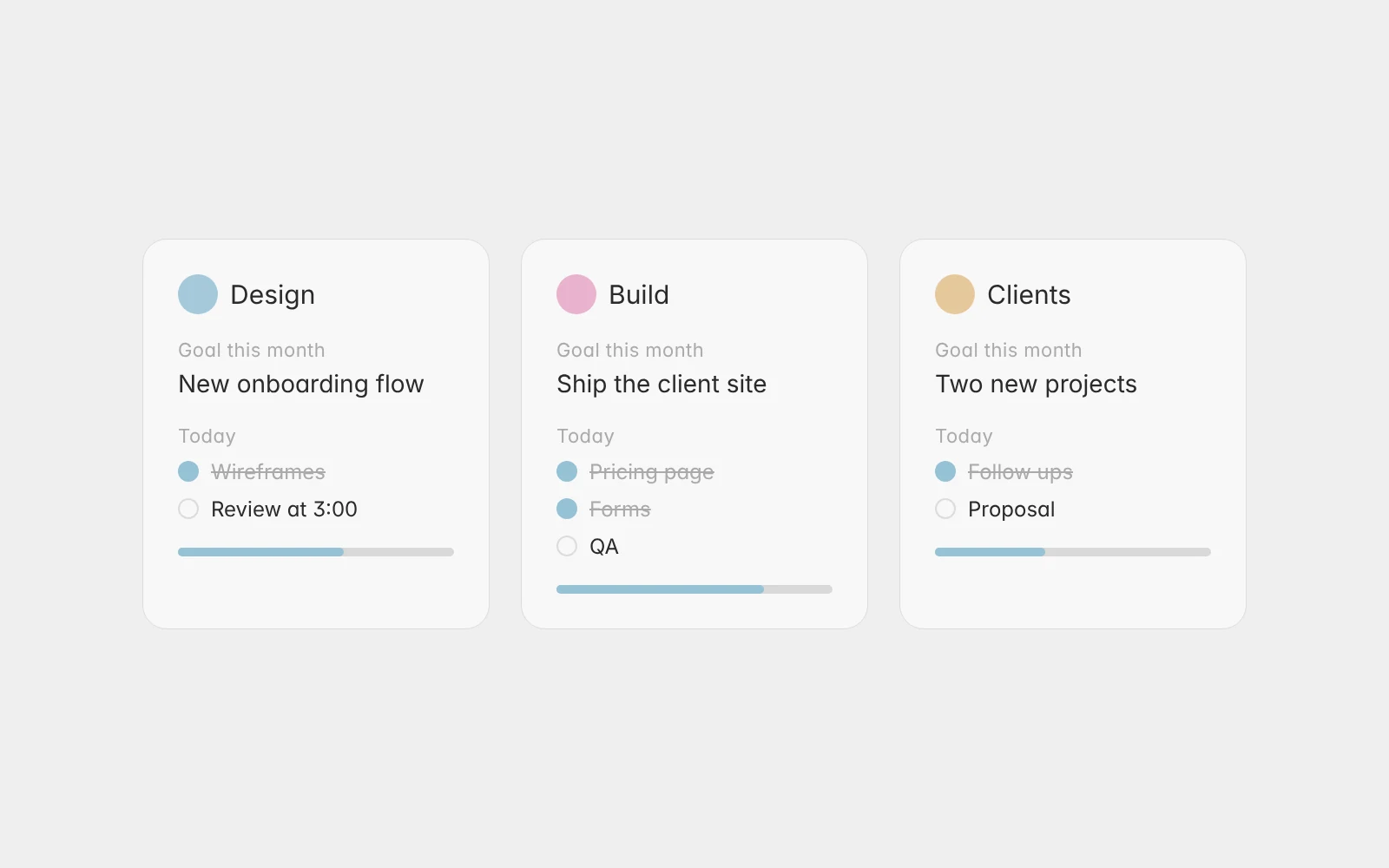
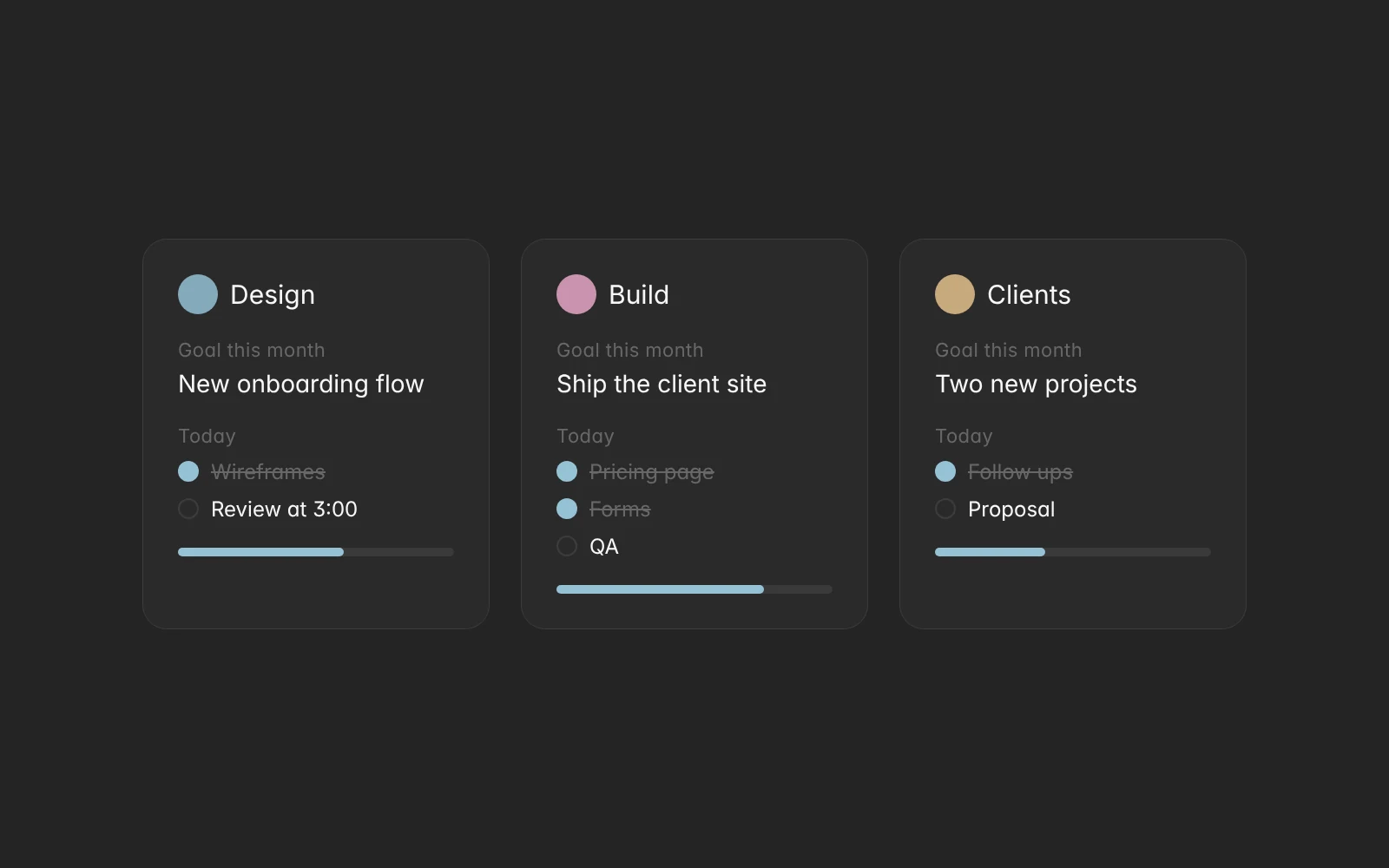
In Aimgod: Shared spheres, live now
Shared Spheres: a Shared Planner App for a Class, a Family or a Small Team (2026)
Aimgod's shared spheres turn a calm day planner into a shared planner app: tasks from a class, a family or a small team land in each person's own day. Free now.
 By Oleksandr Sendziuk, founder of Aimgod · · 5 min readFollow on LinkedIn ↗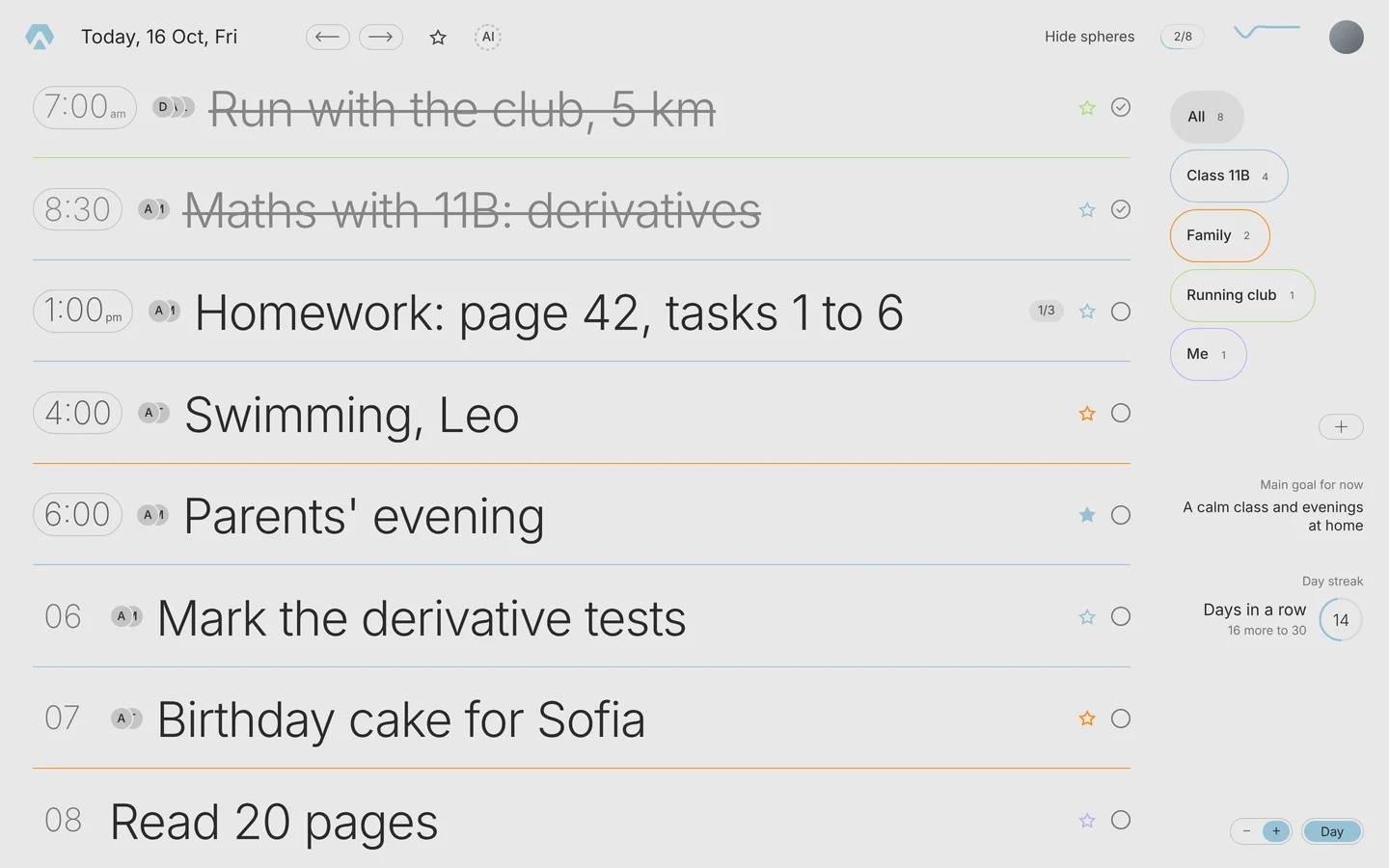
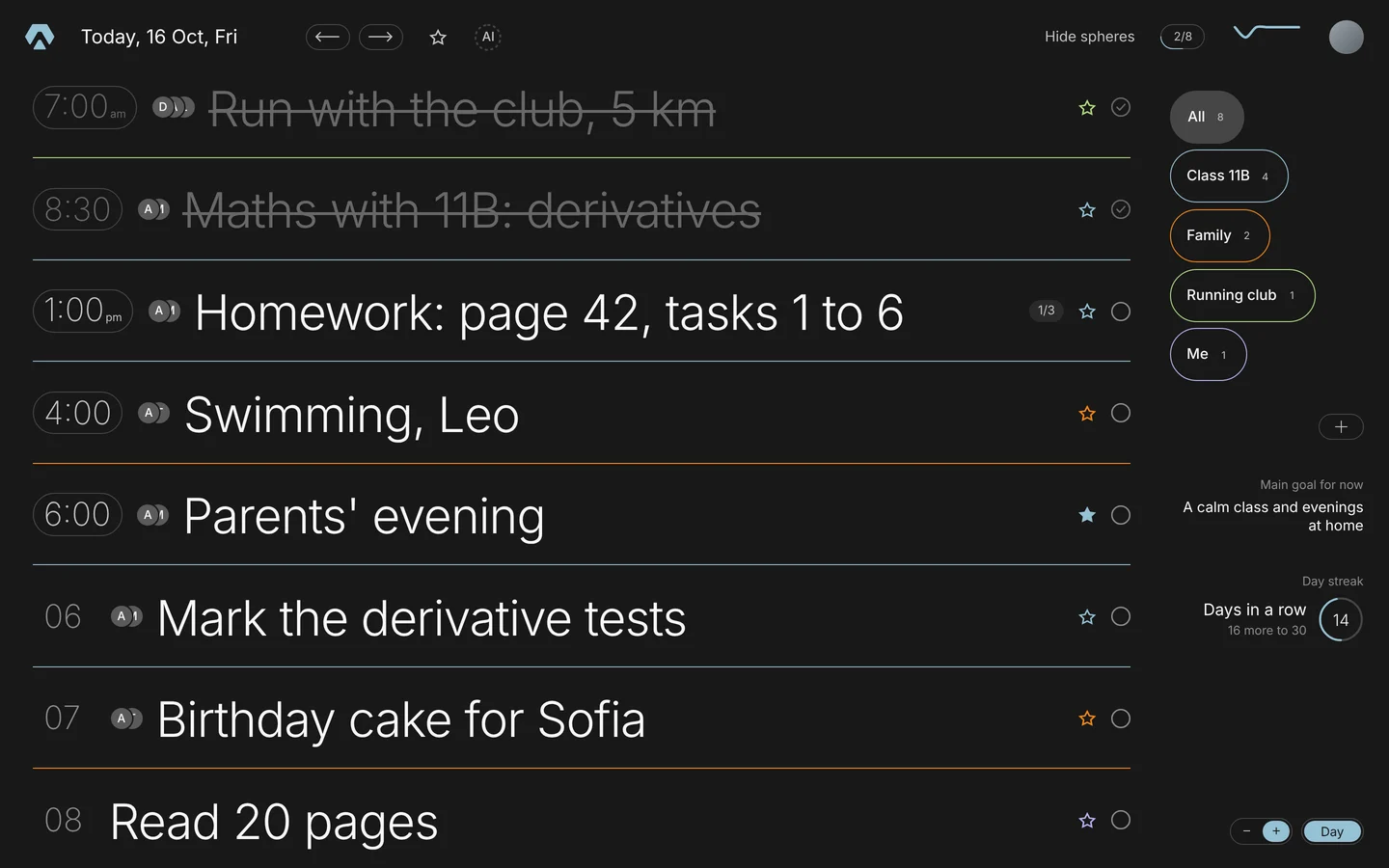
A teacher adds tomorrow's homework once. It lands in every student's own day, next to their own plans. Each student ticks their own, and the teacher sees who is done. That is a shared sphere, and as of today it makes Aimgod a shared planner app too. One day for the people who matter.
Key takeaways
- 01One sphere, many days. Share a sphere and its tasks show up in every member's own list.
- 02Two ways to tick. Each person ticks their own, or one tick counts for everyone. The owner picks.
- 03Up to 5 people in charge. Only they add and change tasks. Everyone else sees and ticks.
- 04Invite by email or a link. No access to your contacts.
- 05Free for everyone while sharing is in early access.
1. Why a shared planner app that stays personal
Most shared tools start from the group. A board, a project, a channel. Your own day gets lost between them.
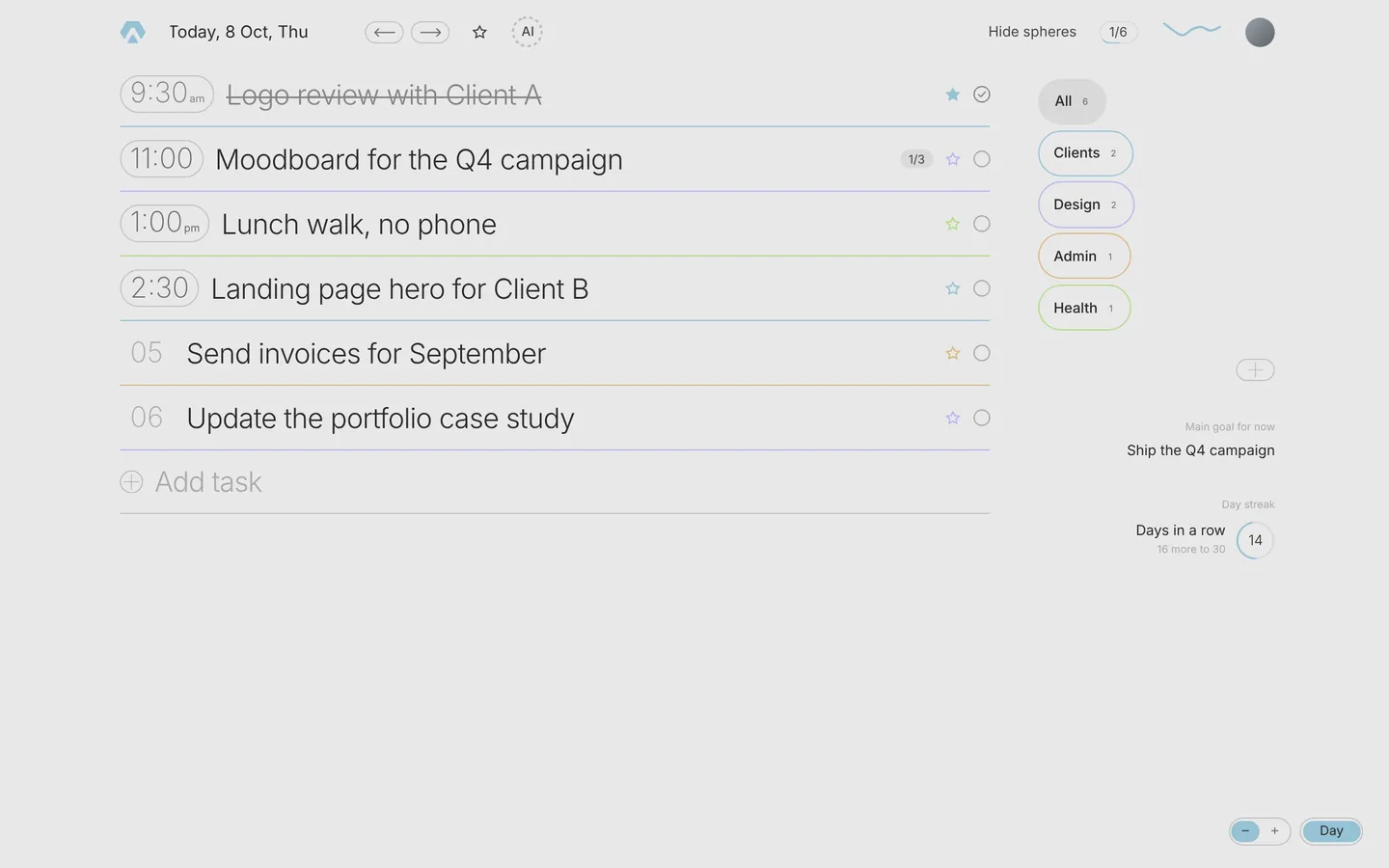
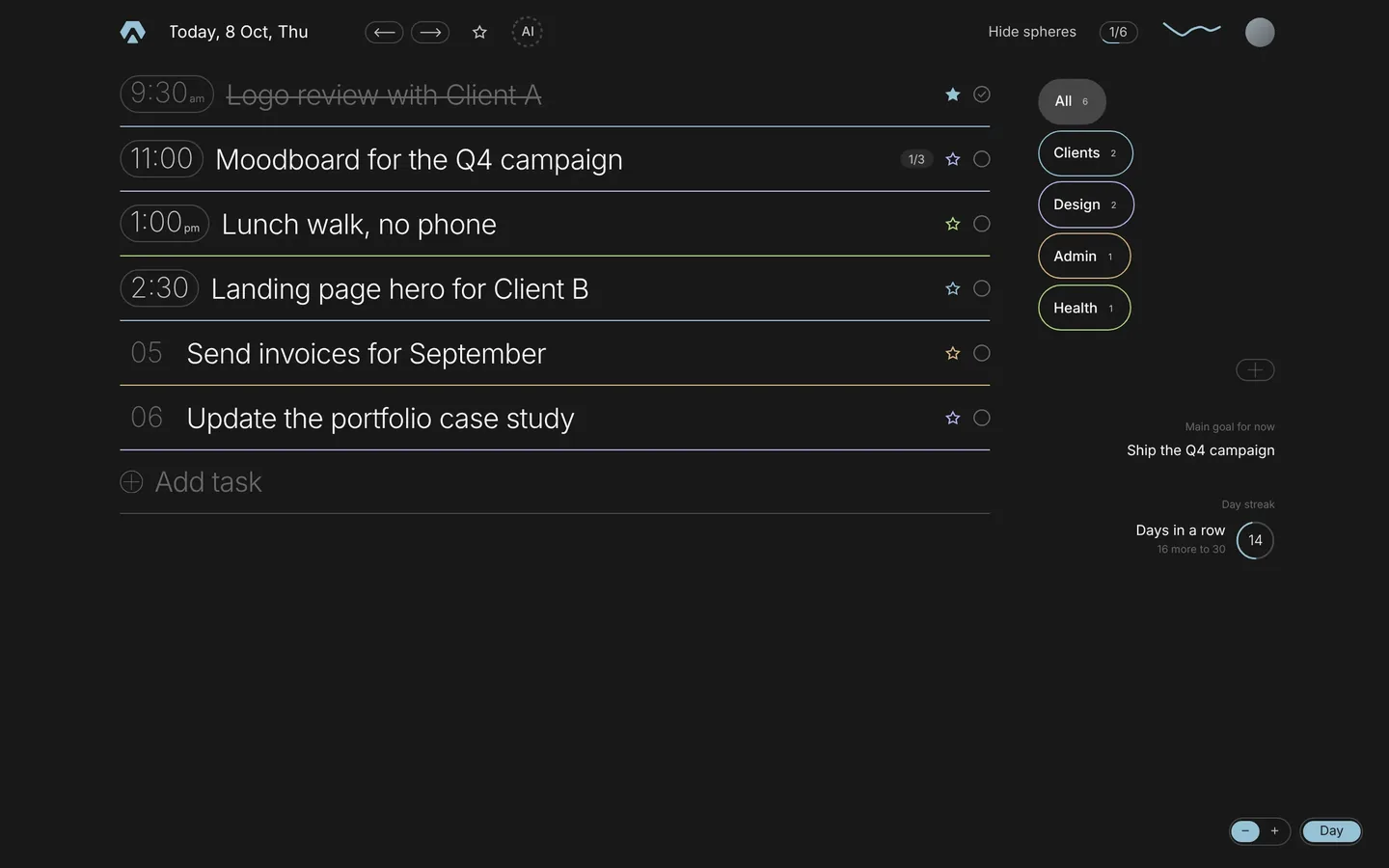
I went the other way. The day stays yours. A shared sphere is just one more colour in it, next to Health, Work and whatever else you plan. The class's homework sits under your morning run. The family's dentist visit sits next to your client call. You open one list and see everything that is yours today.
That's the whole idea. You don't move into someone else's space. Their tasks come into yours.
2. How shared spheres work
Open a sphere in Planning. The window has three tabs now: Sphere, Participants and Share.
- 01Share. Type one or several emails and press Send. Or copy the invite link and send it anywhere: Telegram, Messages, WhatsApp.
- 02The invite. Someone who already has Aimgod sees a card at the top of their day: accept or decline. Someone new gets an email, signs up with that address, and the card is waiting.
- 03Participants. Everyone who joined, with their role. Tap a person to make them responsible or remove them.
- 04The day. Shared tasks appear in each person's list. After the time you see small round faces: the people in charge of that sphere.
3. Who can do what
| Role | Sees the tasks | Adds and edits tasks | Ticks | Manages people |
|---|---|---|---|---|
| Owner | Yes | Yes | Yes | Yes |
| Responsible (up to 5) | Yes | Yes | Yes | Invites and removes members |
| Member | Yes | No | Yes | No, can leave |
| Viewer, by public link | Yes | No | No | No, can leave |
A member's shared row is locked: the title and the time stay as the owner set them, no moving, no deleting. You can still give the sphere your own name and hide it from your day. A pupil can call "11B" simply "Maths". Only you see that name.
The colour belongs to the owner, so the sphere looks the same for everyone.
4. Each person ticks their own, or one tick for everyone
This is the one choice the owner makes when sharing.
Each person ticks their own. The default. Homework is the clearest case: every student marks their own, and the people in charge see who has done what.
One tick for everyone. The team case. "Order the new monitor" needs doing once. Whoever does it ticks it, and it's done for all.
Your ticks in shared spheres count in your own day streak, like any other task you finish.
5. Five ways to use it
- A class. The teacher makes a sphere for the class, adds lessons with times and homework without. Students see them in their own day, so the sphere works as a homework planner for a class. Under 16, a pupil follows through a parent's account. That's the rule in our Terms.
- A family. A shared to-do list for family that doesn't live in a group chat. Chores, trips, doctor visits. Each person checks off their own, or one tick for the whole house.
- A coach and a group. Training days with times, one sphere per group. Everyone sees the session in the morning, next to work.
- A small team. Share tasks with a small team without a project board. Up to five people in charge, the rest tick.
- A public channel. Turn on the view link and anyone with it can follow the sphere, read only. Good for a schedule many people just need to see.
6. Notices, without noise
A new task in a shared sphere shows as a small card in your day. If you haven't opened Aimgod, you get at most one email a day with what's new, and you can turn those emails off in your settings. In the iPhone app a push comes with the next update.
No red counters, no badges. Aimgod stays calm.
7. Privacy, and what people see
Inside a shared sphere, its people see that sphere's tasks and who ticked them. Nothing else from your day. Your other spheres stay yours.
I chose email and a link for invites, and no access to the contacts on your phone. Uploading someone's address book needs their consent and a clear reason, and an invite link does the same job.
Anyone can leave a sphere at any time. The owner or a responsible person can remove a member.
8. Early access
Sharing is free for everyone right now, on any plan, while it's in early access. It's new, and I want to see how classes, families and teams really use it. Things may change along the way.
On the web it works today at app.aimgod.com. In the iPhone app you'll accept invites, see shared tasks and tick them in the next update.
Before you start, look at how one planner already carries many kinds of days. If you lead people, read how I plan work for a small team. And if you wonder what to share at all, start from what matters to you: values come before goals.
FAQ
Is the shared planner app free?
Yes. While sharing is in early access, creating, sharing and joining a sphere is free for everyone.
How many people can be in one shared sphere?
As many members as you need, so you can share tasks with a small team or a whole class. Up to five people can be in charge of one sphere: the owner and four more.
Can a family use one shared to-do list?
Yes. Make a sphere like Home as your shared to-do list for family, invite everyone, and choose whether each person ticks their own or one tick counts for all.
Can a teacher give homework to a class?
Yes. A shared sphere is a homework planner for a class: lessons and homework land in each student's day, and the teacher sees who has done what. Pupils under 16 follow through a parent's account.
One calm letter a week
A short read on planning, habits and focus, from the founder of Aimgod. No spam, unsubscribe anytime.
We only use your email to send the letter. Privacy
Oleksandr Sendziuk would rather let other people's tasks into his day than move into theirs.
Follow the build on LinkedIn ↗