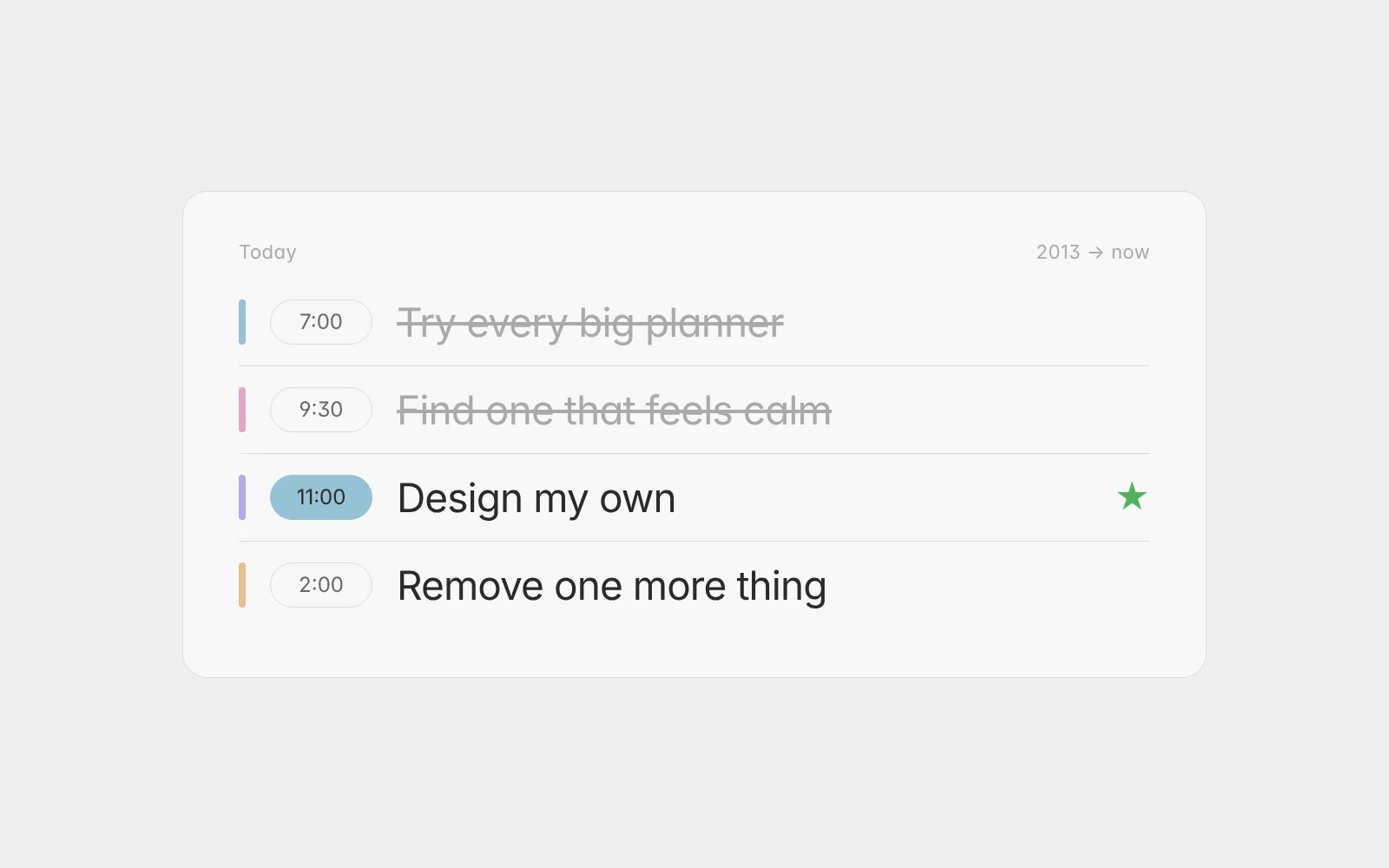
In Aimgod: The day, live now
A Time Picker That Takes Two Taps: How Setting a Time Got Simple
Why the time picker in Aimgod is a ruler inside the task row, not a clock dialog. Tap the time, slide, let go. Try the real row here, it is live.
 By Oleksandr Sendziuk, founder of Aimgod · · 4 min readFollow on LinkedIn ↗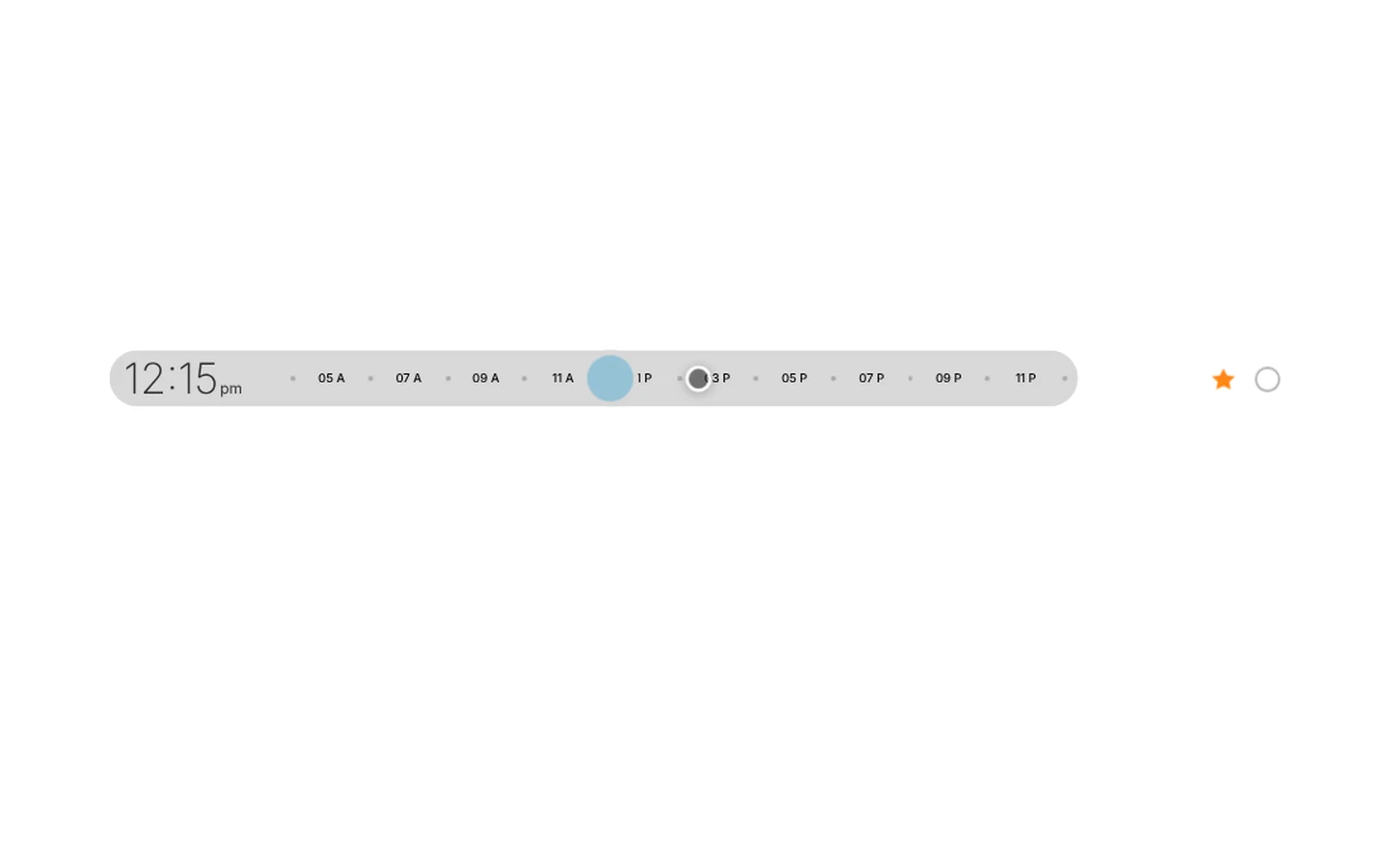
Most planners make a time an event. You tap a field, a clock dialog opens over the whole screen, you pick an hour, then minutes, then AM or PM, then you confirm and the dialog closes. Six decisions for a number you already had in your head. The time picker is the part of a daily planner people touch most, so it is the part that should cost the least.
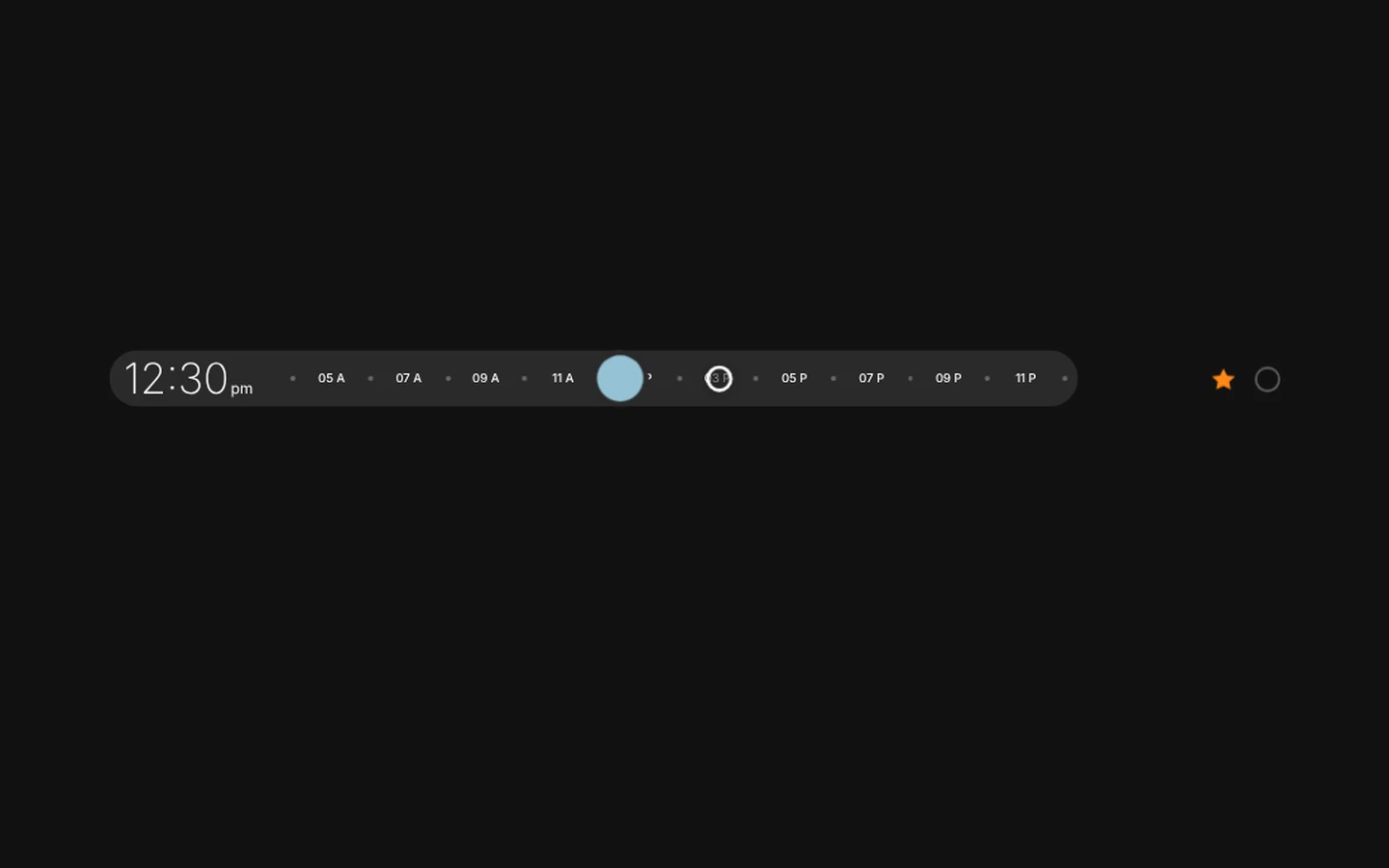
In Aimgod a time takes two taps. Tap the time, slide, let go. The row does the rest. Below is the real row from the app, and it is live: tap the time pill and move the ruler yourself.
A time picker inside the row
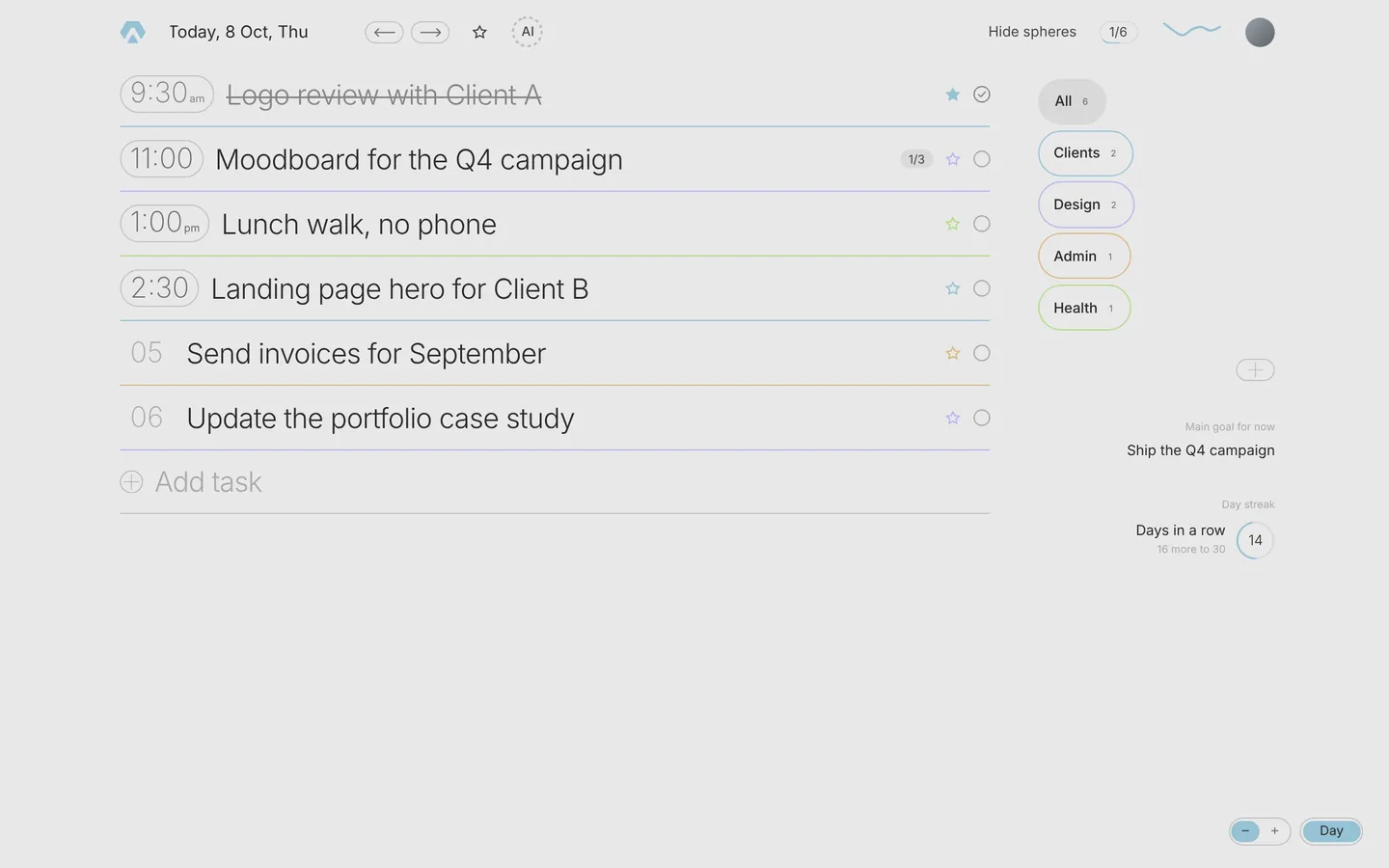
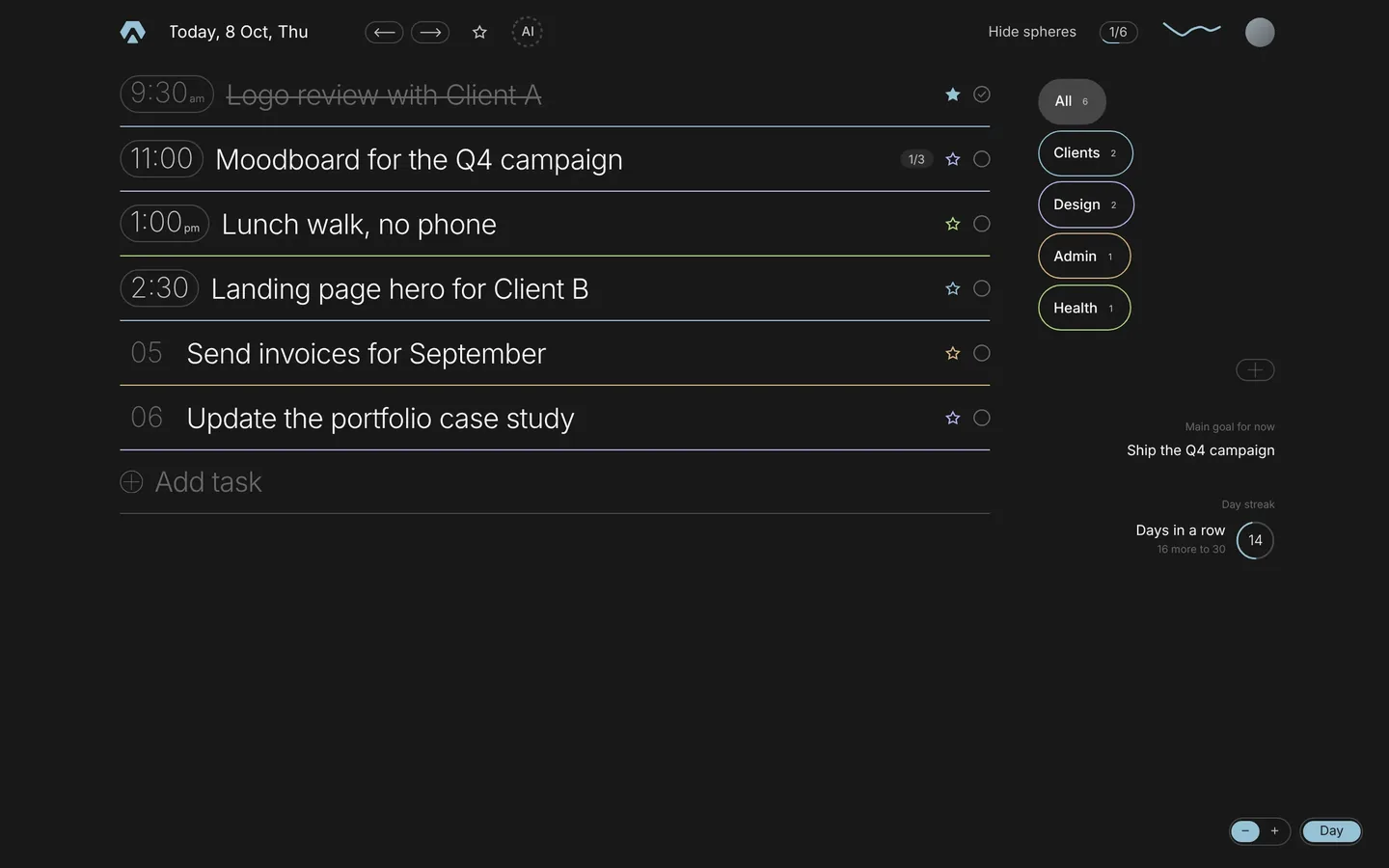
The idea is simple. A task row already has a time pill on the left. Tap it, and instead of a dialog the row itself unfolds into a ruler: the morning on the left, the evening on the right, the title folds away for a second. The thumb is wherever the task's time was, so a small change is a small move. Slide to 12:15, let go, and about a second later the row folds back with the new time in the pill.
Nothing else on the screen moves. No overlay, no dimmed background, no OK button. The ruler is part of the list, and that is why it feels light. Your eyes stay where they were, on the day.
Why the ruler snaps to 15 minutes
The ruler runs from five in the morning to eleven at night in steps of a quarter of an hour. That is on purpose. Nobody plans a call for 10:07. Fifteen minute steps make the ruler coarse enough to hit a time without aiming, and fine enough for a real day. The thumb snaps, so you feel the step rather than hunt for it.
If you prefer keys, the thumb is a real slider: Left and Right move it one step at a time, and the row folds away by itself when you stop. It works with a screen reader for the same reason.
Times first, the rest in your order
Setting a time does one more thing. A task with a time moves up to its place among the timed tasks, and the tasks without a time keep the order you gave them below. So the morning reads like a schedule and the afternoon reads like a list, and you never sort anything by hand. See why the list stays short for how that keeps a day honest.
Open the task card and the time is there too, next to the reminder and the repeat, for the days when you want to change several things at once. The day never asks you to confirm any of this.
What it took
This block is small, and it took longer than most of the app. The fold has to measure the row before it opens, so the title and the ruler trade places without a jump. The ruler has to know where the thumb was so the first move is tiny. The snap has to feel like a tick and not like a fight. The first versions had a dialog, then a dropdown, then a wheel. Each one worked. None of them was quiet.
The rule I ended up with: if the gesture takes longer than saying the time out loud, it is too long. Two taps passes. And if you would rather say it, you can: the AI circle in the app takes a spoken day and sets the times for you.
The same row is on your phone, in the week view, and in the compact and large text views. One picker, everywhere.
FAQ
How do I set a time for a task in Aimgod?
Tap the time pill on the left of the row, or the small clock that appears on a task without a time. The row unfolds into a ruler. Slide to the time and let go. The row folds back by itself with the new time.
Can I set a time with the keyboard?
Yes. The thumb is a slider: Left and Right move it by fifteen minutes, and the row folds away by itself about a second after the last step. It is announced by screen readers like any slider.
Why are there no seconds or five minute steps?
A day is planned in quarters of an hour. Finer steps make the ruler harder to hit and do not change what you do at 10:00. If a task needs an exact minute, it is probably a calendar event, and Aimgod can bring those in from Google Calendar.
One calm letter a week
A short read on planning, habits and focus, from the founder of Aimgod. No spam, unsubscribe anytime.
We only use your email to send the letter. Privacy
Oleksandr Sendziuk is a product designer with 22 years in SaaS and the founder of Aimgod. He has studied personal growth, psychology and productivity for over a decade, and has been building the system behind Aimgod since 2013.
Follow the build on LinkedIn ↗