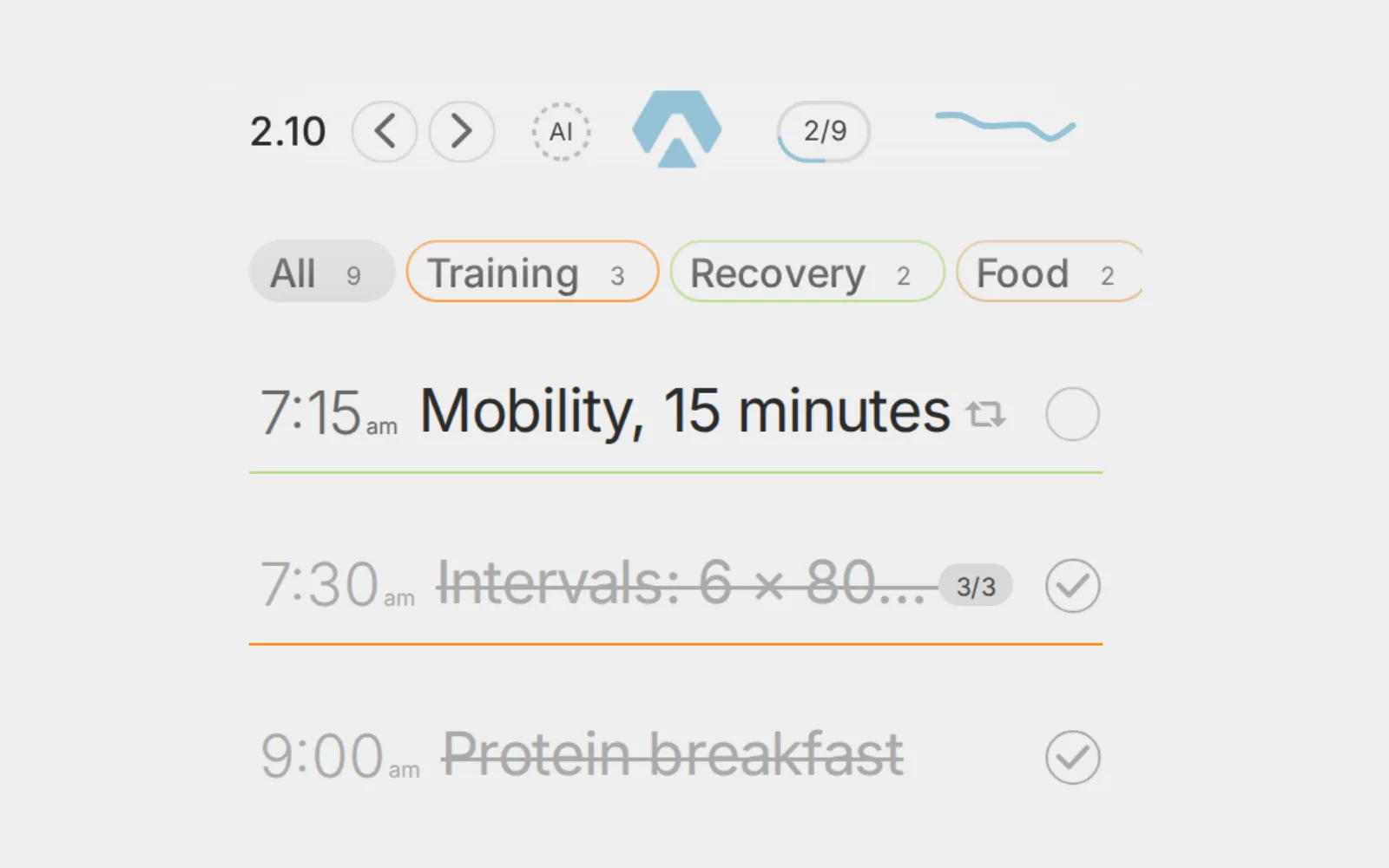
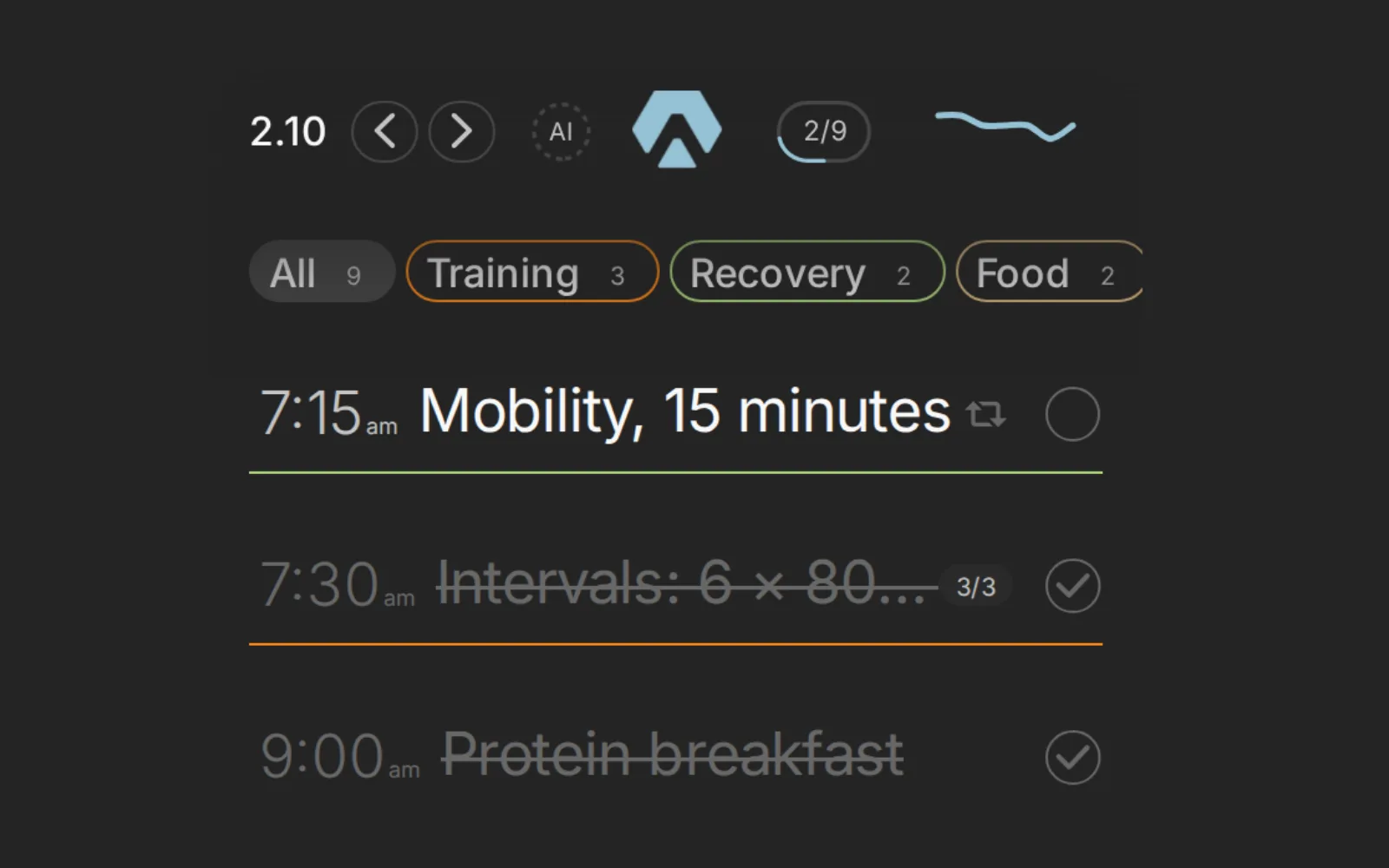
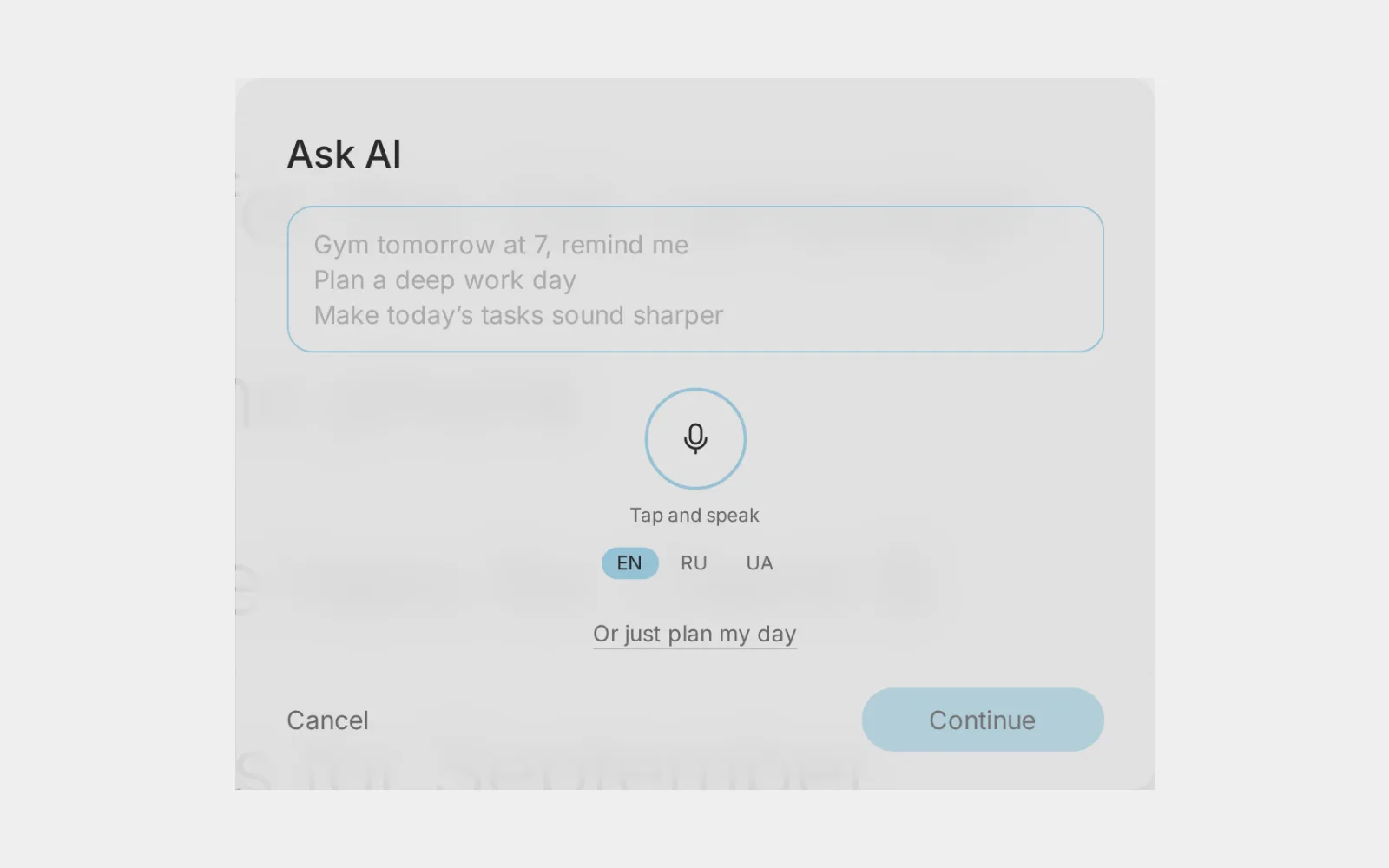
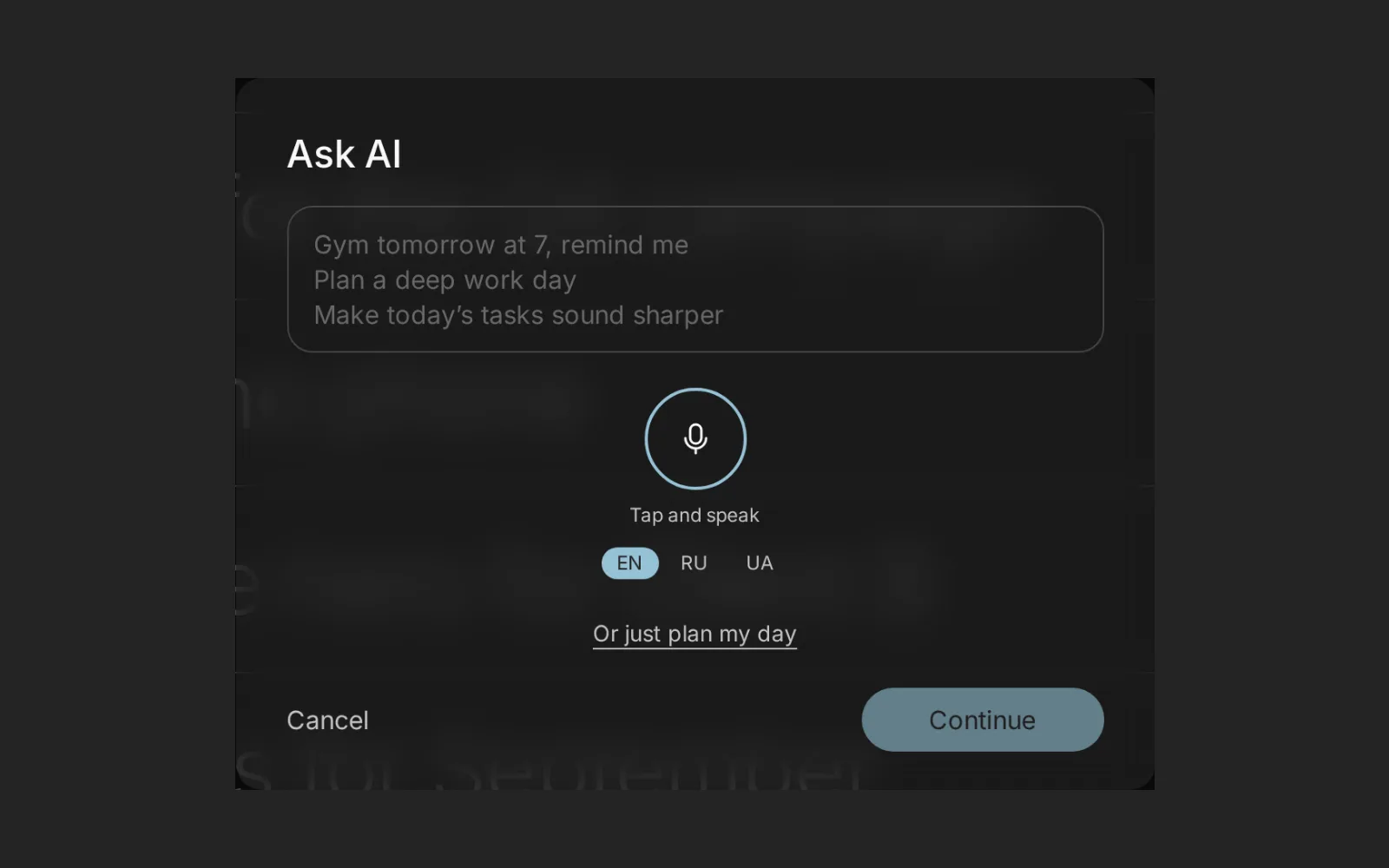
In Aimgod: Times and numbered tasks, live now
Time Blocking for Beginners: 7 Steps to Give Every Task a Place
Time blocking for beginners from a founder's real day: 7 steps to a first schedule, how to estimate time, block sizes, rest blocks and the mistakes to skip.
 By Oleksandr Sendziuk, founder of Aimgod · · 8 min readFollow on LinkedIn ↗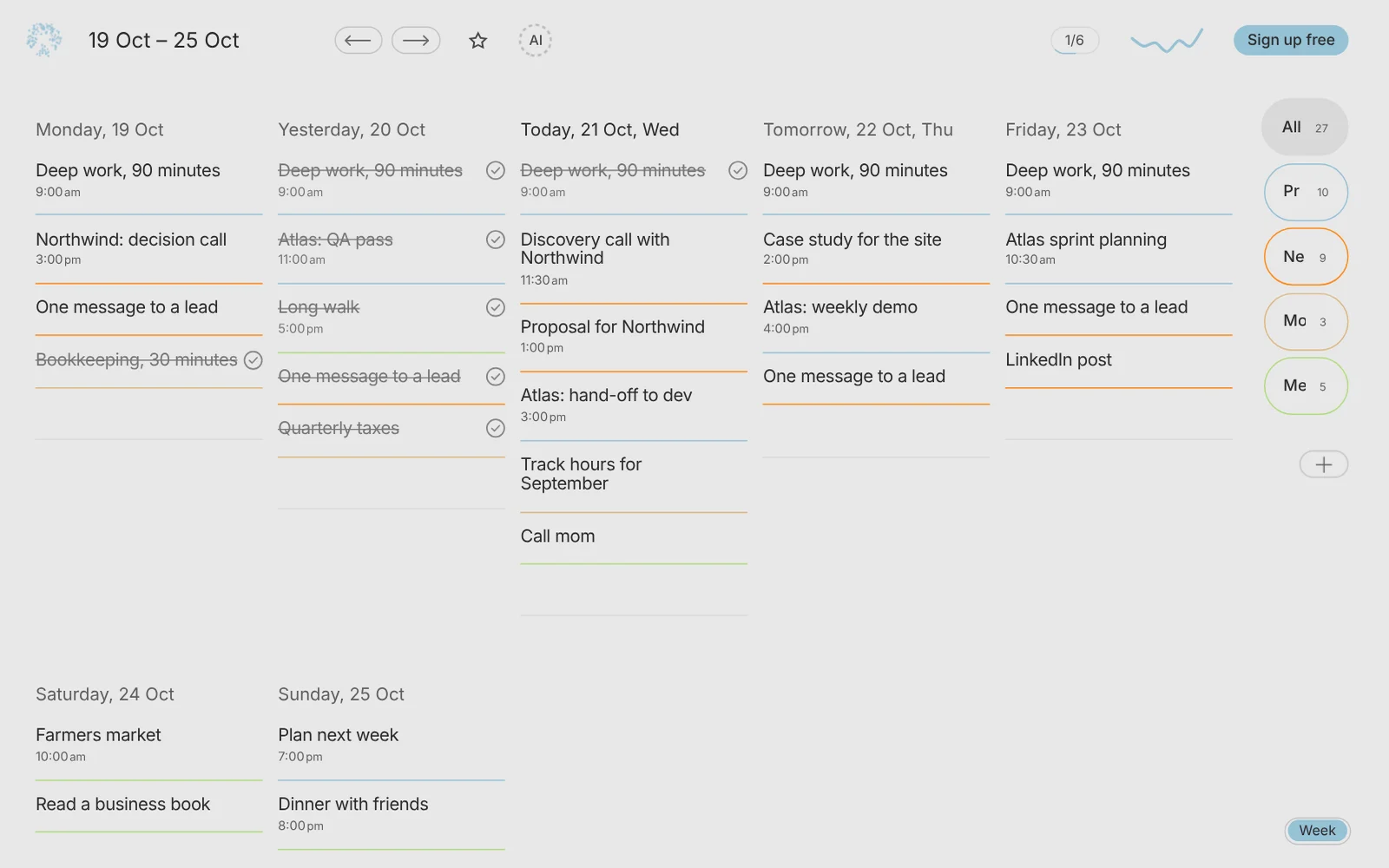
9:55, one look at the news, and the block is gone. The 10:00 slot for my own projects had a start time, a length and a reminder. None of it survived the feed. Time blocking for beginners is mostly about this: one short block a day, protected from news and urgent requests. Here's how I use it, where it breaks for me, and how to build your first time blocking schedule this week.
Key takeaways
- 1 block a day is enough to start. My newest one is 15 to 30 minutes at 10:00.
- 5 minutes before the block, a reminder. Then no decision, just start.
- 3 sizes for one block: minimal, medium, standard. Every size counts.
- 1.5 hours freed in one area goes to one other focused block. Never to the news feed.
- 1 to 1.5 hours of rest is a block too. A nap or a full break, planned.
What is time blocking?
Time blocking means you plan the day as a row of blocks. Each block has a start, a length and one job. A to do list tells you what. A block tells you when and for how long.
Without blocks, the day fills itself. By evening you were busy all day and the one thing that mattered didn't move.
The day is always full. Time blocking decides what fills it first.
5 kinds of blocks in a time blocking schedule
| Block | What goes in | Example |
|---|---|---|
| Focus | One important task, one direction | My 10:00 session on my own projects |
| Habit | A routine that repeats | My morning habits, about an hour. The gym. |
| Rest | Sleep or a full break from work | A nap, YouTube or a book, 1 to 1.5 hours |
| Offline | Time with no phone | Sauna and jacuzzi, about 15 minutes, phone in the locker |
| Buffer | Free time for what runs over | 15 to 30 minutes after a long block |
Beginners usually plan only the first kind. The other four are what keep the focus block alive.
Time blocking for beginners: 7 steps to your first schedule
If you're asking how to time block without turning your day into a spreadsheet, go small.
- 01Write down what matters this week. One or two things that move your work or life. Everything else stays on the plain list.
- 02Pick one focus block. One a day. A beginner with five blocks on day one drops all five by Thursday.
- 03Attach it to a habit that already holds. Right after breakfast, after the morning walk, after the first coffee. Mine sits right after my morning look at the market.
- 04Give it a short length. 15 to 30 minutes at first. Grow it once it holds for a couple of weeks.
- 05Set a reminder five minutes before. Time to close what's open.
- 06Add rest and buffer. A block after a block after a block breaks by lunch.
- 07Check in the evening. Did the block happen? If not, what got in? Write that down. That's tomorrow's fix.
Case 1. My 10:00 block and what breaks it
Until this month, work on my own projects had no place in my plan. So I set a block: 10:00, every day, 15 to 30 minutes to start, a reminder five minutes before, a star, its own sphere, repeating.
It sits right after a habit that already holds: every morning I look at what's new in my market. The look ends, the block starts. No gap for the day to slip in.
What breaks it is always the same. The flow of information. News. Urgent client tasks. One "quick look" at the news at 9:55 and the block is gone.
What helps:
- Close the feed before the block. The news will still be there in 30 minutes.
- Urgent goes after, unless it's truly urgent. Most "urgent" messages wait half an hour just fine.
- Keep the start tiny. On a heavy day I just open the file. More on that in the 5 minute rule.
Case 2. One block, three sizes
A block doesn't have to be all or nothing. My gym has three versions, and every one of them counts.
| Version | What's inside | Length |
|---|---|---|
| Minimal | Run, warm up, abs | About 15 minutes |
| Medium | Minimal plus one full exercise for one muscle group, like 4 full sets of bench press | In between |
| Standard | Three exercises for one muscle group. The most satisfying one. | About an hour |
After any version: sauna and jacuzzi.
This saves a time blocking schedule on a bad day. The day shrinks, the block shrinks with it and stays.
Do the same with your focus block: an hour, 30 minutes, or 15 minutes and just opening the file. Decide the sizes in advance.
Case 3. Swap a block, never dissolve it
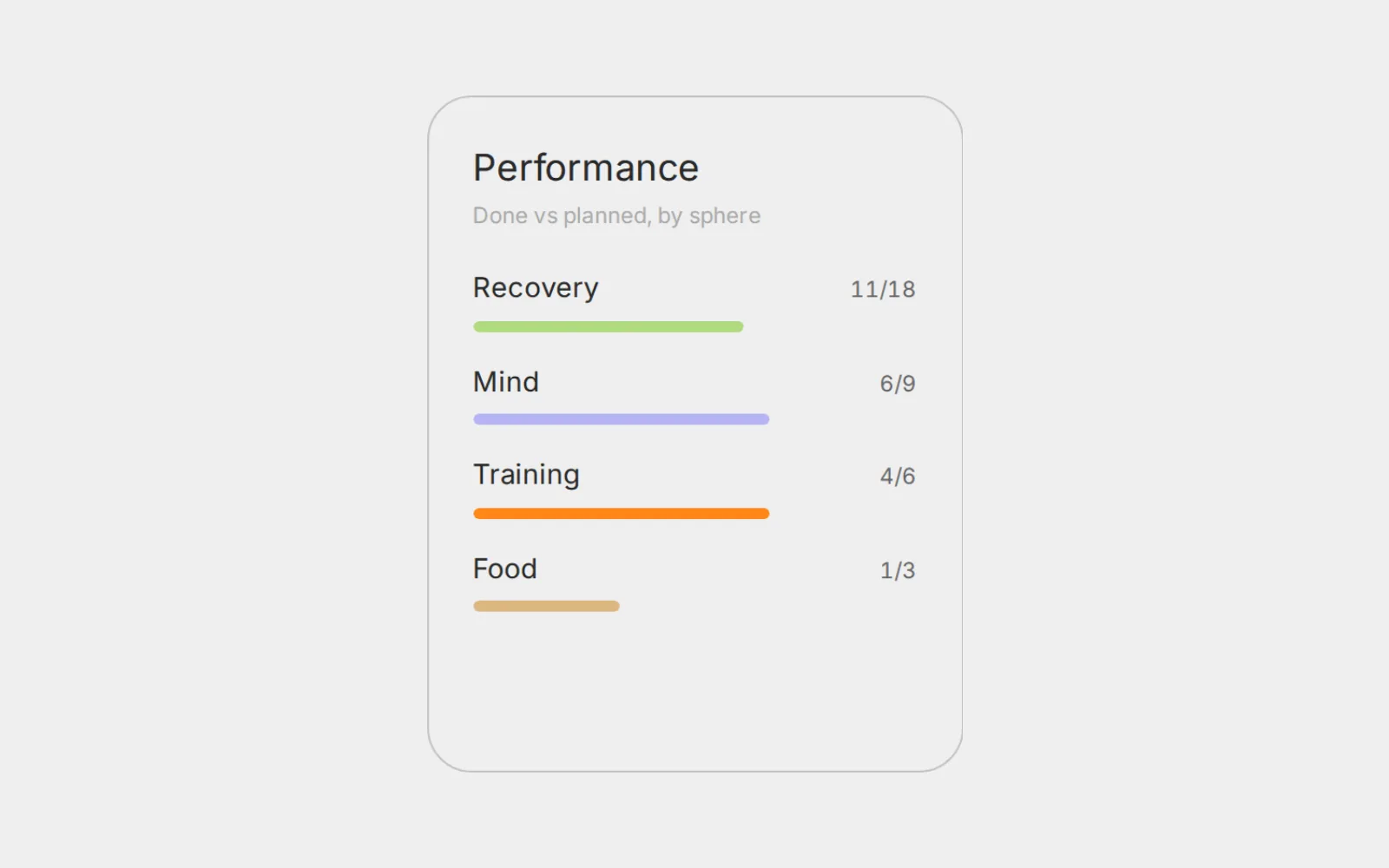
My dashboard shows which areas of life take most of my effort. Health dominates. That's fine for a while. If one area takes two thirds of your effort for a long time, it's time to refocus.
My rule for that: swap one focused block for another. For example, the gym every other day instead of every day, and on the free days 1.5 hours on one business direction. One direction. With a start time.
The danger is the freed time. Leave the slot empty and it dissolves into news, small tasks and scrolling. You lost the gym and got nothing for it.
That's the core of time blocking for entrepreneurs: when a block leaves your day, a named block takes its place on the same day.
Case 4. Rest is a block too
My working day can always include rest. If I really want to sleep, a nap of an hour or an hour and a half. Or a break of the same length: YouTube or a book, fully off work.
I don't force myself. Effective work happens when you're more or less in the mood. Forcing yourself while falling asleep doesn't work. When the mood is there, work goes fast and easy.
I follow an internal clock: a time to joke around, a time to walk, a time to work. Structure still matters. Sleep, an earlier bedtime, a daily routine. The rest block just sits inside that structure.
The sauna is my natural offline block. The phone stays in the locker room. About 15 minutes of sauna and jacuzzi alone with my thoughts. Some people take the phone in there. For me it makes no sense.
More on planning around your energy in how to manage your energy.
How to estimate how long a task takes
The weakest spot in time blocking for beginners is the estimate. You plan the best case and the day brings the normal case.
| Task type | Typical beginner guess | Plan it as |
|---|---|---|
| A task you've done many times | Close to right | Your usual time plus 10 minutes |
| A new task | Half of the real time | Your guess times 1.5 or 2 |
| Creative or deep work | "An hour" | A range, like 60 to 90 minutes, with a stopping point |
| Small replies and admin | 5 minutes each | One 20 to 30 minute block for all of them |
| Anything with other people | Your part only | Add time for waiting and answers |
A few rules that make estimates honest:
- Measure one week. Write the start and end of each block. After a week you know your real numbers.
- Know your units. Five pages of a hard book take me about 10 minutes. Small numbers like that make planning easy.
- Plan less than the day holds. Leave a buffer for what runs over. More in how to plan your day when you have too many tasks.
Time blocking for freelancers and entrepreneurs
Time blocking for freelancers has one main enemy: the client in another time zone. Messages arrive whenever, and each one feels urgent. Put your own work in the first block of the work day, before you open client chats. Client work fills the rest.
Time blocking for entrepreneurs has a different enemy: too many directions. Product, marketing, sales, a side project. One block, one direction. A block called "business" turns into an hour of switching between tabs.
Either way, how to time block comes down to a fixed start, a short length, and a name that tells you exactly what to open.
How to adapt when plans change
- Move the block, keep it in the day. 10:00 became 12:00? Fine. It still happens today.
- Shrink it. Use the minimal version.
- Swap it. Something else takes the slot? Put the block in another named slot.
6 common time blocking mistakes
| Mistake | What to do instead |
|---|---|
| Five blocks on day one | One block until it holds |
| Blocks with no buffer between them | 15 to 30 minutes of slack after long blocks |
| A vague name like "work" | One job per block: "homepage hero copy" |
| Removing a block and leaving the slot empty | Swap it for another named block |
| No small version | Decide minimal, medium and standard in advance |
| Rest left to chance | Plan the break or the nap like any other block |
How Aimgod helps
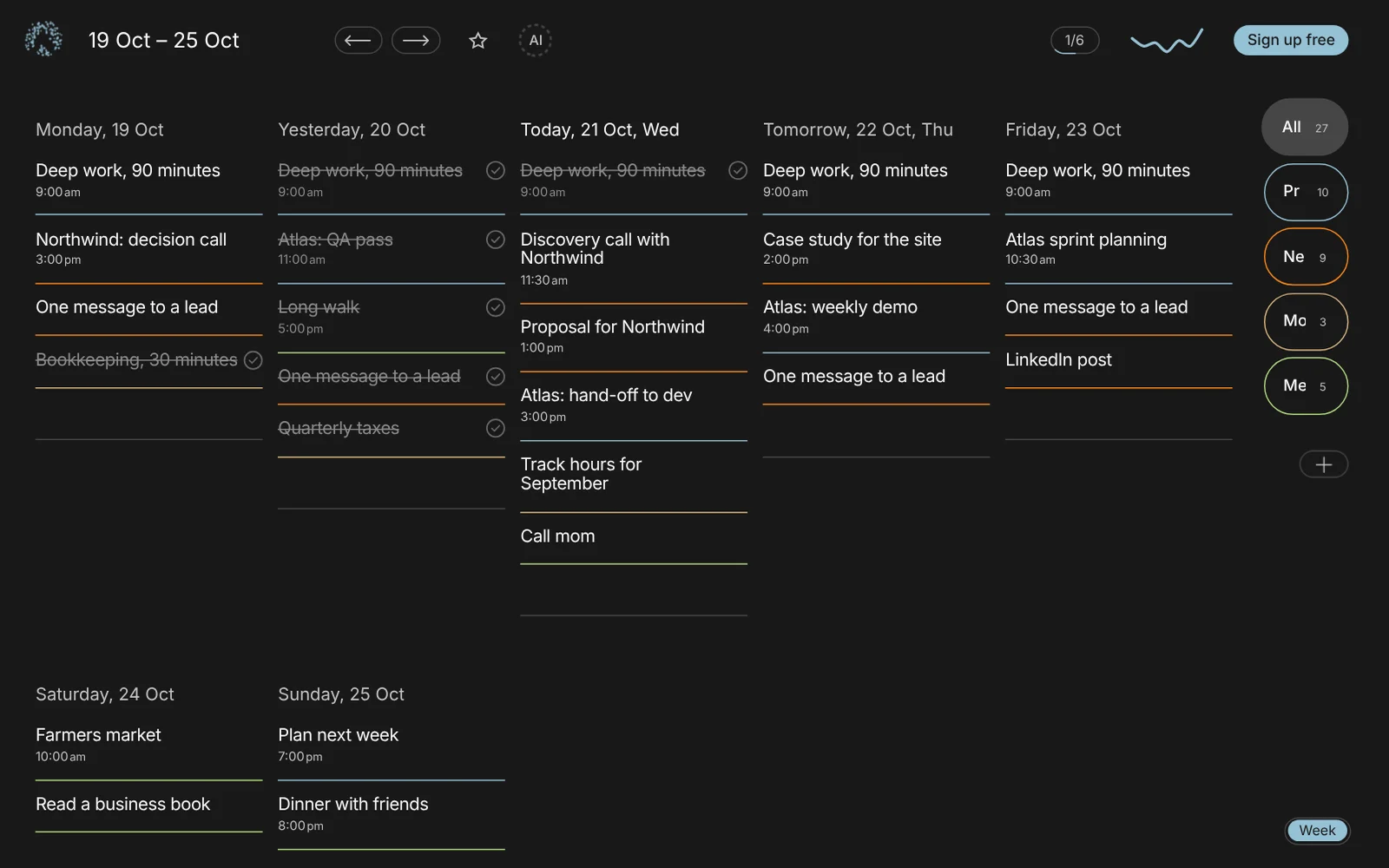
In Aimgod a time takes two taps and shows large next to the task. Tasks with a time go first in the day, and the rest follow your numbered order. So your blocks sit on top, and the plain list waits below.
Put a star on your focus block, give it a sphere, make it repeating. The Habit tab then shows how it really holds: your rate, eight weeks of bars, a streak. The week view shows where the timed tasks sit across all seven days.
FAQ
How do I start time blocking as a beginner?
Pick one important task, give it 15 to 30 minutes at a fixed time, and attach it to a habit that already holds. Add a reminder five minutes before. Add more blocks only when the first one holds for a couple of weeks.
How long should a time block be?
For beginners, 15 to 30 minutes. Deep work blocks can grow to an hour or 90 minutes later. Give each block a minimal version too, so a hard day doesn't wipe it out.
What should I do when I miss a block?
Move it to a later slot the same day, or shrink it to the minimal version. If you miss it three days in a row, change the time or the size.
Is time blocking good for freelancers?
Yes, if your own work gets the first block of the day, before client chats. Time blocking for freelancers works best with short blocks and buffer, because client requests arrive at any hour.
One calm letter a week
A short read on planning, habits and focus, from the founder of Aimgod. No spam, unsubscribe anytime.
We only use your email to send the letter. Privacy
Oleksandr Sendziuk is a product designer with 22 years in SaaS and the founder of Aimgod. He has studied personal growth, psychology and productivity for over a decade, and has been building the system behind Aimgod since 2013.
Follow the build on LinkedIn ↗